Solution · Service Efficiency
Resolve service issues faster—without any travel
Kibi Scada enables configuration, diagnostics and parameter changes remotely — securely transmitted and fully logged.
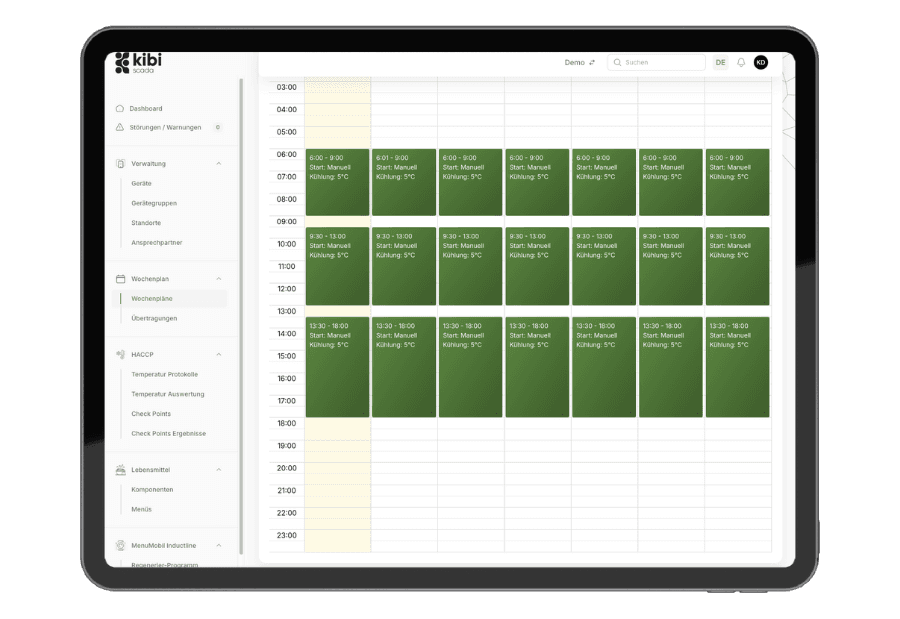
Distribute weekly schedules, thresholds, and parameters centrally—without needing to access each device on-site
OTA firmware updates and configuration versions with a traceable transmission log
View connection and transmission protocols for every action
Ausgangslage
Why remote maintenance still isn’t a true standard in many organizations
Remote access alone doesn’t solve operational challenges. What truly matters is whether changes can be rolled out securely, tracked effectively, and traced later on.
Small changes lead to a disproportionate number of deployments
When weekly schedules, parameters, or diagnostics can only be edited on-site, every little detail turns into travel time, coordination, and delays.
Device fleets drift into different states
Without central rollouts, buildings and customers operate on different configurations. This makes support, quality assurance, and error analysis significantly more difficult.
Remote interventions remain difficult to document organizationally.
Especially in remote maintenance, it must be clear who changed what and when. Without this proof, convenience quickly turns into a governance issue.
Lösung durch Kibi Scada
How Kibi Scada Enables Remote Maintenance for Business Use
The solution combines secure connectivity, central control, and robust logging. This transforms remote maintenance from an exception into a predictable tool.
Configurations are centrally planned instead of improvised locally
Weekly schedules, parameters, and updates can be rolled out consistently across multiple devices. This reduces field variance and speeds up changes during ongoing operations.
On-site deployments reduced to truly essential cases
Diagnosis, adjustments, and updates are handled remotely as long as no physical intervention is required. This saves travel time and shortens response windows.
Remote maintenance stays controlled and traceable
Transmission status and audit logs ensure that remote management is not only convenient, but also operationally robust and traceable.
Ablauf im Betrieb
How a remote intervention works in everyday operations
Not just connecting, but strategically rolling out, testing, and documenting: the platform is built precisely around this process.
Phase 01
01Reach devices across tenants
Devices connect to Kibi Scada via their gateways. An outgoing, AES-256 encrypted VPN connection eliminates the need for firewall releases and public IP addresses.
Phase 02
02Centrally configure weekly schedules or parameters
Weekly schedules, limit values, and device parameters are maintained on the platform and distributed to multiple devices via batch processing.
Phase 03
03Track and verify transfers
Every action is logged in the transmission log: who, when, what, and with what result. Failed transmissions are flagged and can be selectively triggered again.
Passende Bausteine
Which Kibi Scada modules power this solution?
Remote maintenance isn’t just a single feature—it’s the interplay of connectivity, security, and an operational view of devices and rollouts.
Integrations
Devices, gateways, and transmission paths form the technical foundation for remote access.
Funktion ansehenSecurity
Encrypted connections, roles, and audit logs make remote maintenance organizationally viable.
Funktion ansehenDashboard
Connection status, target devices, and rollout results are visible in a single interface.
Funktion ansehenTypische Einsatzbilder
Where remote maintenance saves the most effort
The more distributed your devices and locations are, the more you need a solution that centrally manages configuration and diagnostics.
Hospitals
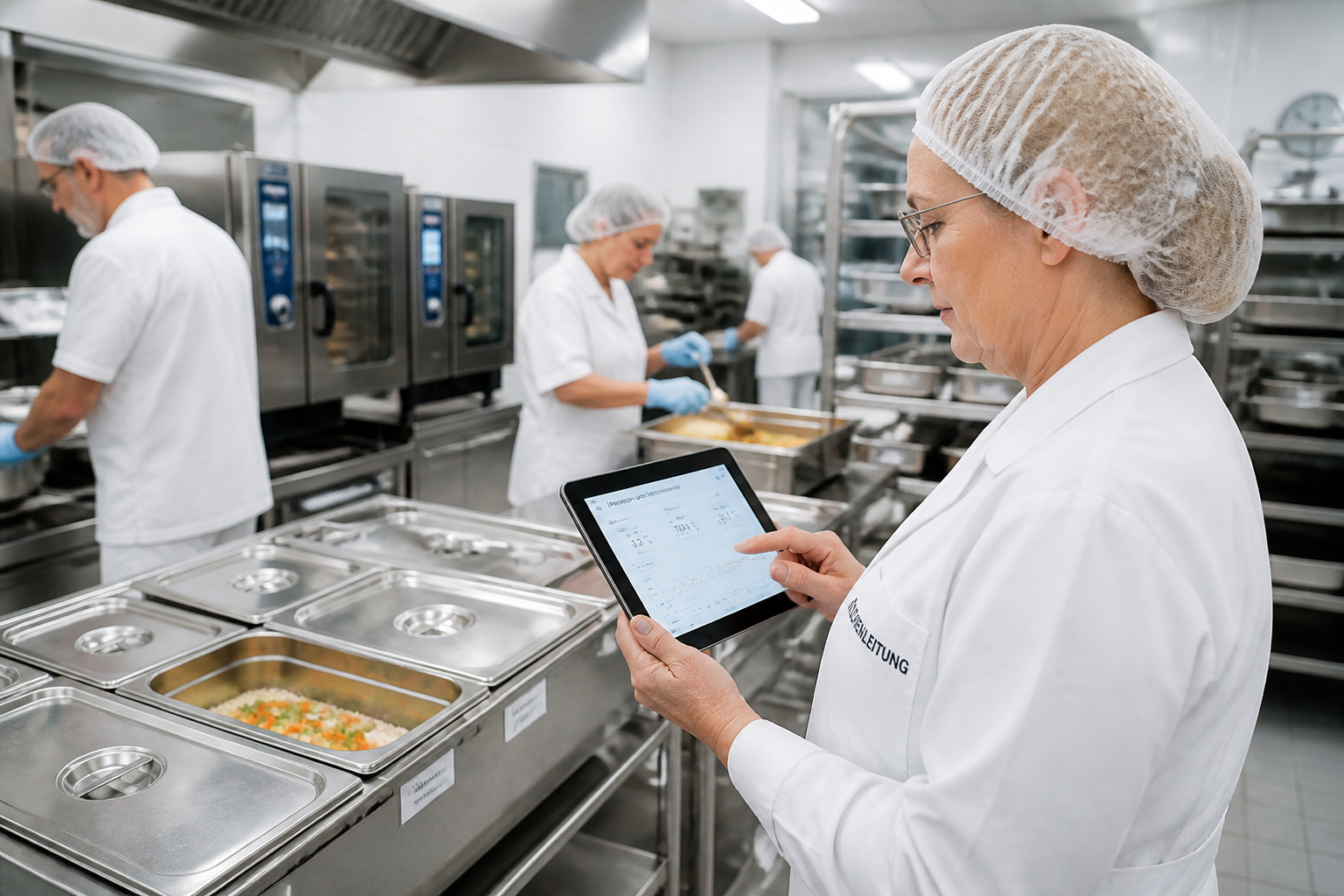
Updating the menu across multiple stations without anyone needing to adjust each device on-site.
Large kitchens
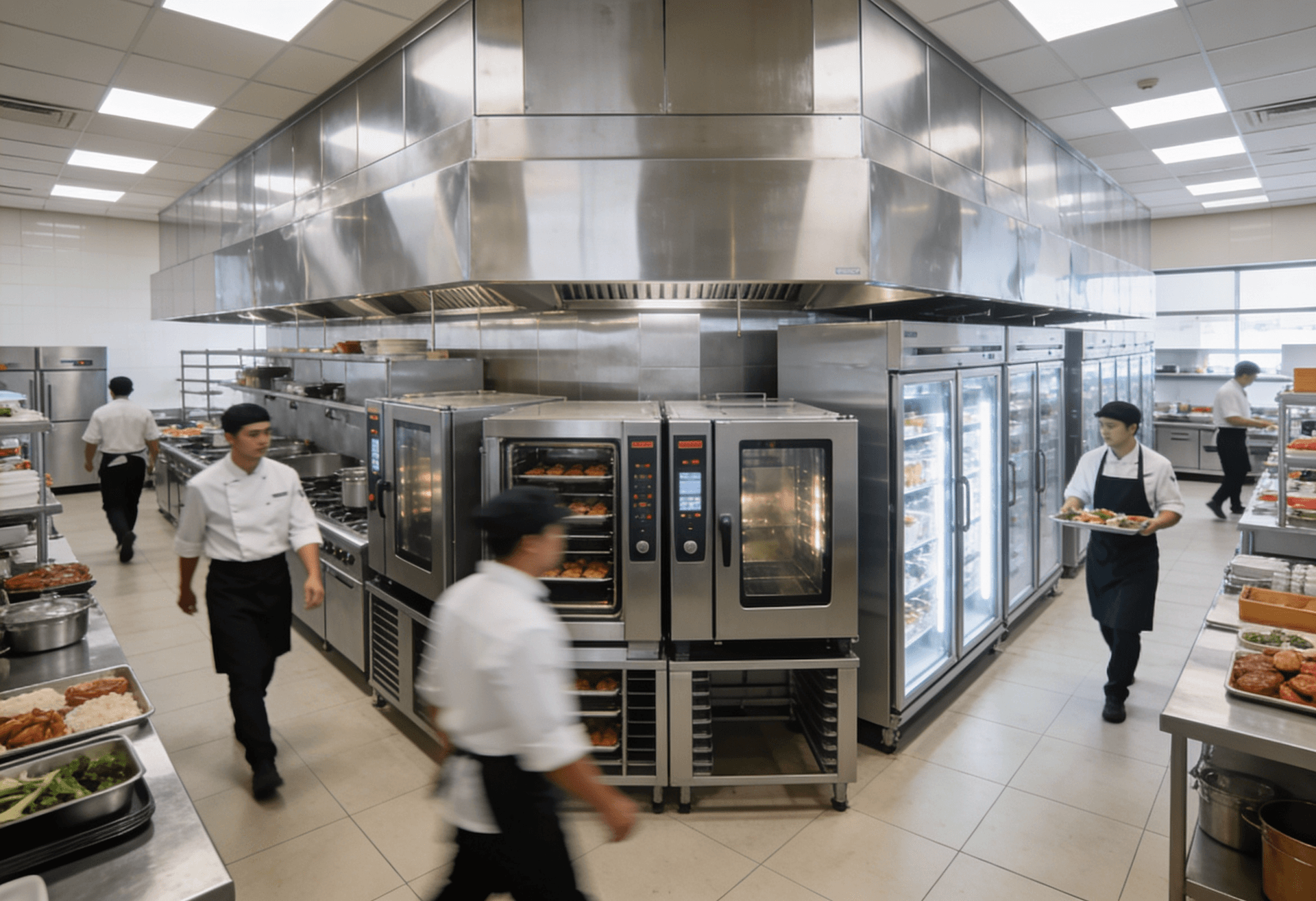
Centrally manage and roll out complex weekly schedules for combi steamers, regeneration, and hot holding.
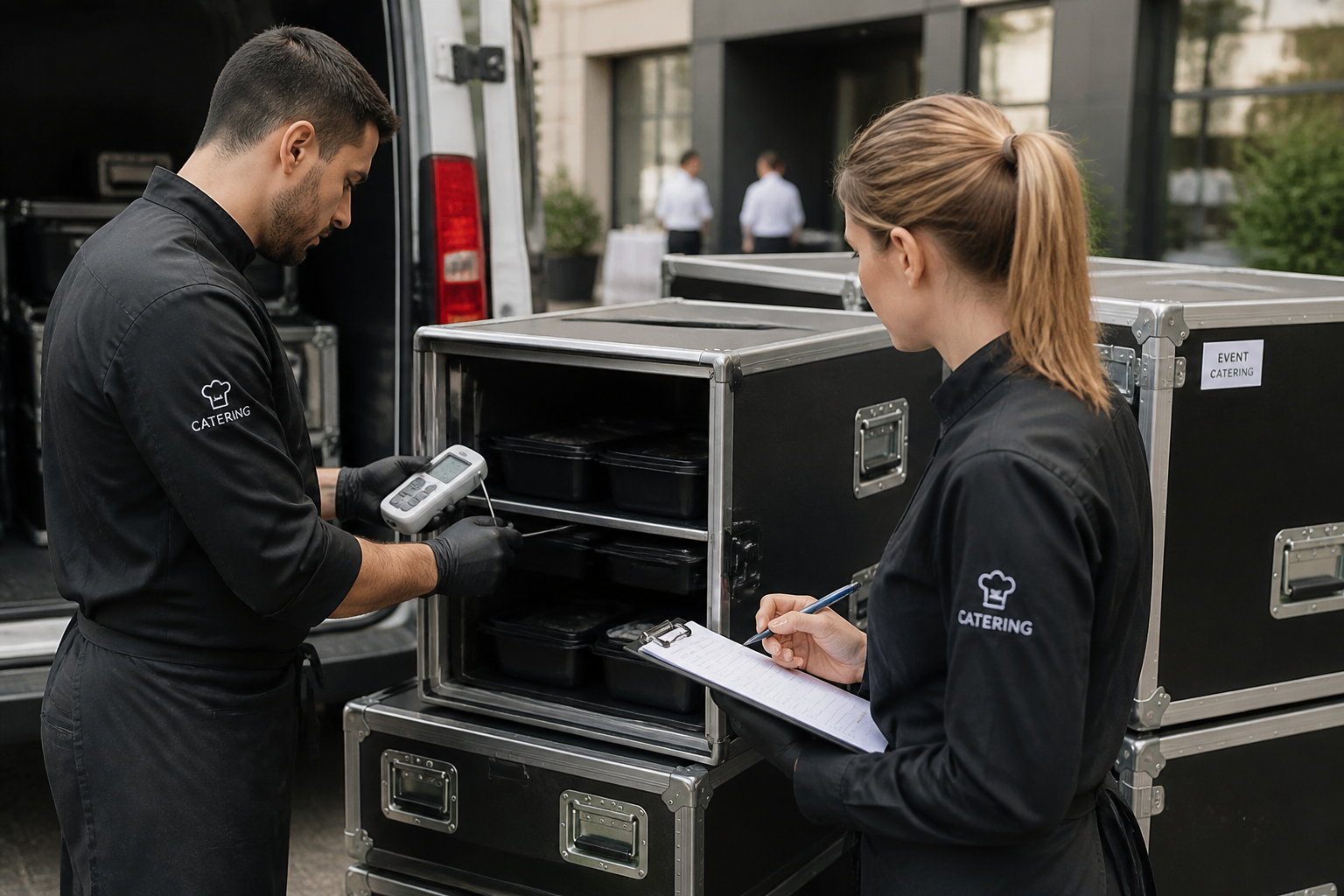
Catering
Roll out event programs to MenuMobil vehicles from headquarters – drivers receive pre-configured devices.
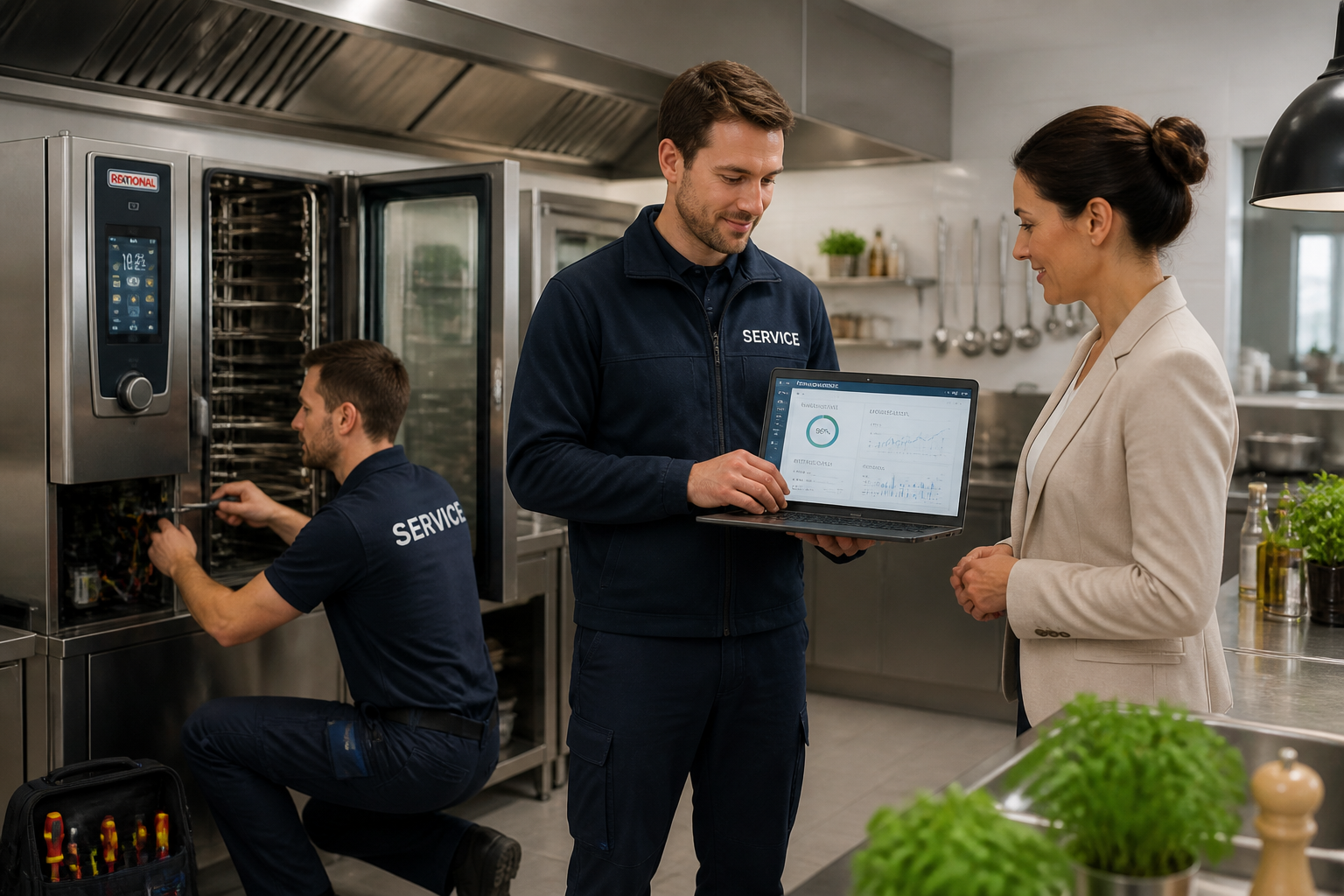
Service Partners
Diagnose and maintenance measures remotely – on-site visits only when truly necessary.
FAQ
Frequently Asked Questions About Faster Service Without On-Site Visits
Which devices can be managed remotely?
All devices connected to Kibi Scada via a gateway or direct network interface. Directly supported are, among others, MenüMobil, Hupfer, MKN, RATIONAL, WINTERHALTER, VITO, and CoolCompact. The exact scope of remote management depends on the capabilities of the respective device.
How secure is remote access?
The connection between device gateways and Kibi Scada Cloud is end-to-end AES-256 encrypted via OpenVPN. Devices establish outgoing connections, so no incoming firewall rules are required. Access to remote management functions is only possible with a login and the appropriate role; every action is recorded in the audit log.
What are weekly schedules and what are they used for?
Weekly schedules are device programs over time—for example, when a hot-holding unit reaches a specific temperature, when a dishwasher starts its eco mode, or how a MenuMobil cart runs through a regeneration cycle. In Kibi Scada, weekly schedules are created centrally and distributed to multiple devices simultaneously via batch processing.
Can firmware updates be distributed remotely?
Yes. For compatible devices, Kibi Scada supports OTA updates. Updates can be distributed to individual devices, device groups, or entire locations. The update status is visible in the dashboard (in progress, up to date, or failed) and can be triggered again if needed.
Which parameters can be changed remotely?
Depending on the device, you can adjust temperature limits, measurement intervals, alarm rules, weekly schedule assignments, energy configurations, network settings, and other device-specific parameters. Every change is documented in the transmission log with a timestamp and the person who made it.
How is the connection status captured via monitoring?
The device overview displays the current connection status, signal strength, and the time of the last successful transmission for each device. If a device remains offline longer than the configured threshold, Kibi Scada automatically triggers a connection alarm.
How much effort does remote maintenance actually save?
This depends on the number of locations and previous frequency of use. Service partners typically report a reduction in on-site visits of around 40 to 60 percent, as configuration changes, diagnostics, and firmware updates can be performed remotely. Calculate your savings with your own figures in the Kibi SCADA savings calculator.
Are all remote maintenance actions audit-compliant?
Yes. Every access—configuration, update, diagnostic retrieval—is documented in the audit log with the user, timestamp, and result. This allows you to generate reports for compliance requirements and internal service agreements.
Want to see remote service in action on a real device fleet?
We’ll show you live how Kibi Scada organizes configuration, diagnostics, and rollouts—so on-site deployments are reduced to only the truly essential cases.

Persönlicher Ansprechpartner
Christofer Wesseling
Founder & Managing Director · Weslink GmbH
We show Kibi Scada live on your equipment, advise you personally on integration and onboarding, and support the rollout in your operation.
Last updated: