Features
All features of Kibi Scada at a glance
Kibi Scada integrates monitoring, documentation, and technical operational processes into a single platform. This transforms multiple individual tasks into a clear digital control center for large-scale kitchens, hospital catering, catering services, and facility management.
Quick access to the modules
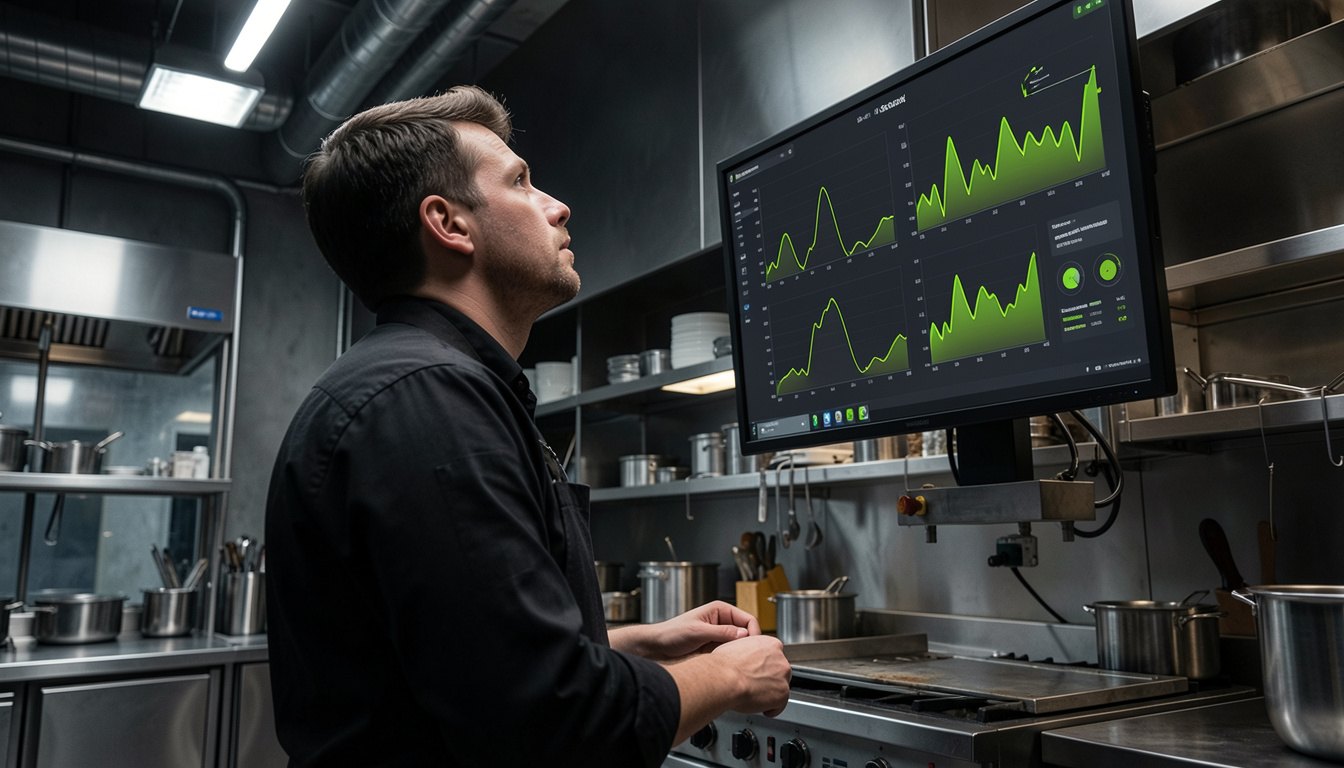
Dashboard & Overview
The dashboard brings locations, devices, statuses, trends, and open tasks together in one interface that remains easy to read in the daily kitchen routine. Instead of gathering data from multiple sources, operations, technical teams, and quality assurance can immediately see where action is needed.
Device & Location Management
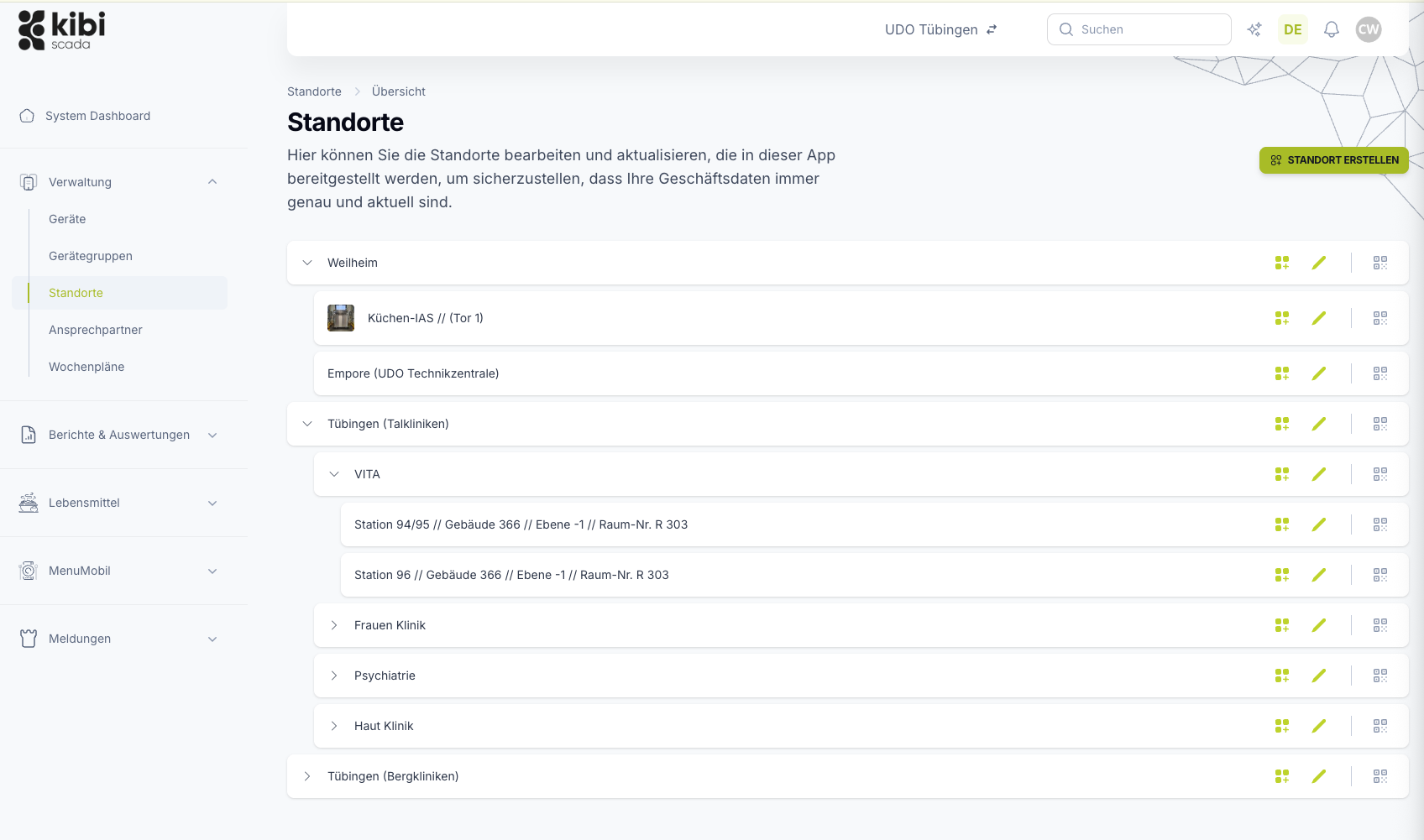
Locations, areas, device groups, and responsibilities create a clear structure in Kibi Scada. Devices are managed with master data, weekly schedules, and history—providing the foundation for dashboards, alerts, and reports to correctly assign information in daily operations.
Alerts & Alarms
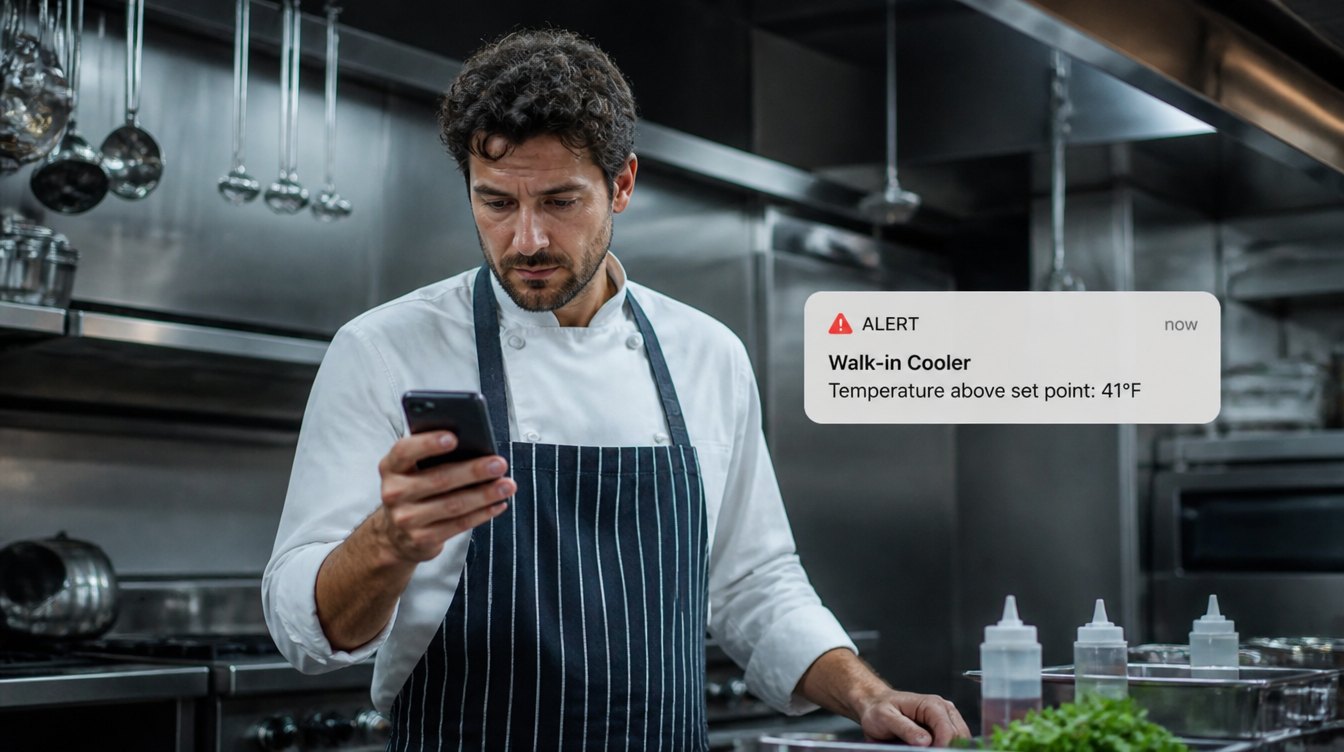
Kibi Scada detects threshold violations and disruptions early, notifies the right people via the appropriate channel, and turns every response into a traceable process. This ensures alerts don’t just stop at a single message.
How the building blocks work together
Not individual features, but a seamless operational process
Kibi Scada integrates monitoring, alerting, ticketing, and documentation so that information doesn’t get lost between tools. This turns technology into a usable control center for kitchen operations, quality management, and service.
From Incident to Action
Deviations trigger an immediate alert chain, ticket, and documentation—no side conversations needed.
From Data to Reports
Continuous measurement data is automatically compiled into HACCP, audit, and management reports.
From Device to Platform
Legacy devices, sensors, and third-party systems integrate into the same logic through an open architecture.
Service Requests & Remote Configuration
Service cases are created directly from the affected device, location, or report. At the same time, many technical adjustments and checks can be initiated remotely—eliminating the need for an on-site visit for every task.
Reporting & Analytics
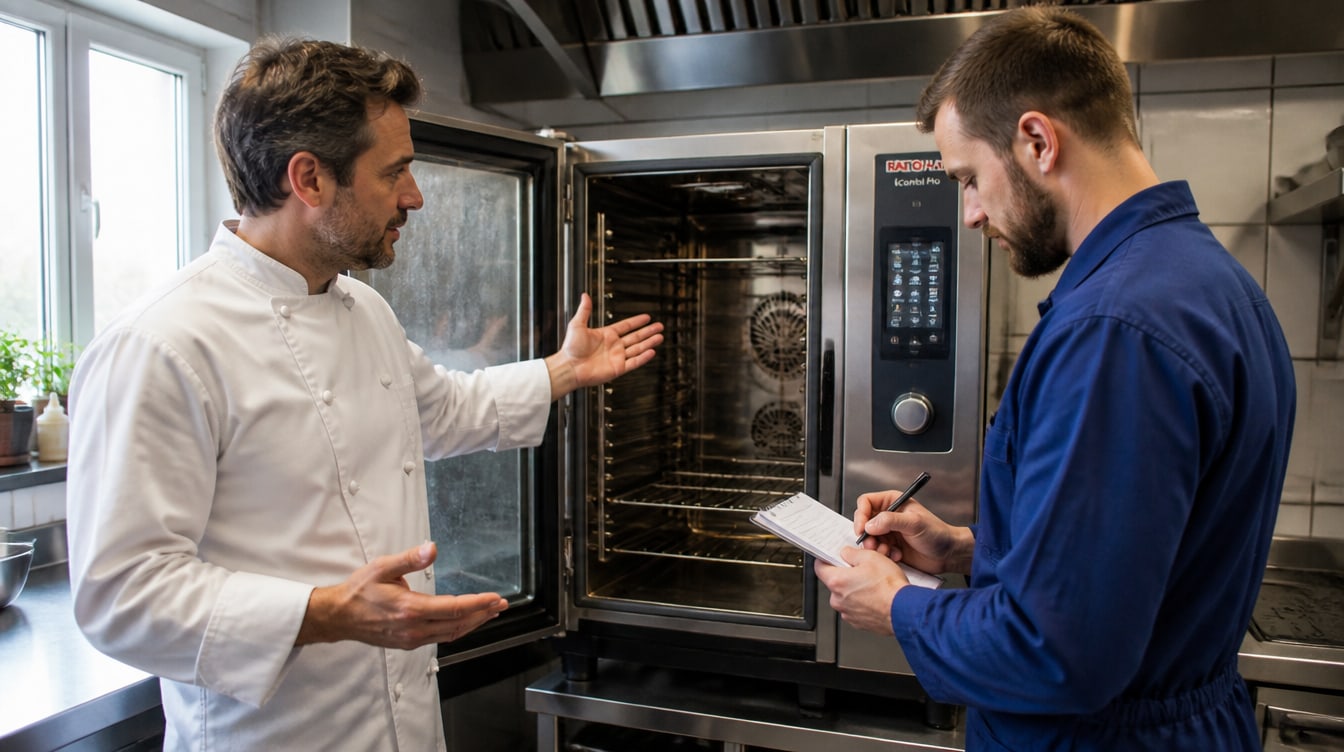
Reports are generated directly from live operational data. This means HACCP documentation, temperature logs, and management analyses are not pieced together afterward—they are automatically created, sent, and archived.

HACCP Documentation
Kibi Scada translates real-time temperature and process data into reliable HACCP documentation. This reduces manual documentation efforts while ensuring records remain available at all times for inspections, audits, and internal inquiries.

Interfaces & Protocols
Legacy devices, sensors, and external systems aren’t connected in isolation—they’re integrated into a traceable data path. This transforms connectivity into a robust foundation for monitoring, alerts, and downstream processes.
Integrations & Extensions
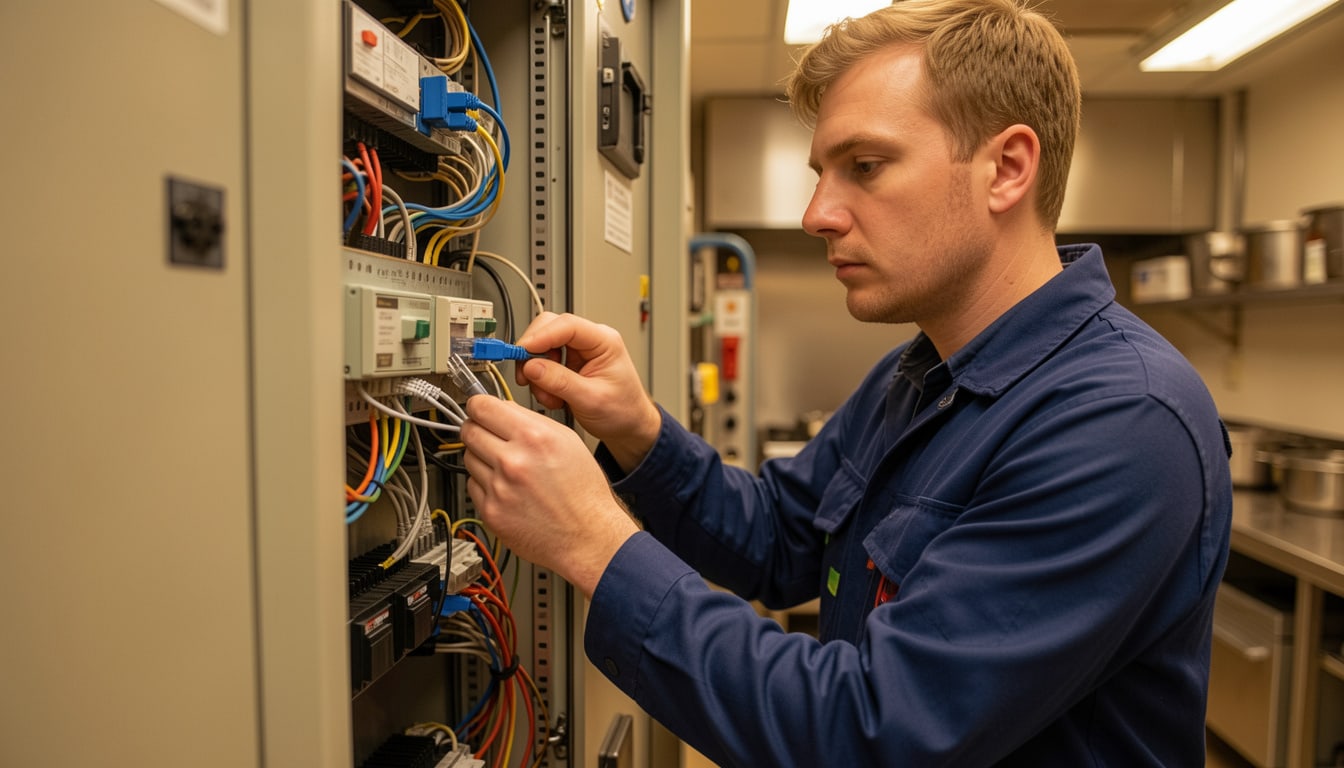
Kibi Scada integrates seamlessly into existing ERP, CMMS, building management, and reporting environments. This keeps the platform open to real-world operational structures instead of creating a technical detour alongside existing systems.
Security & Data Protection
Kibi Scada doesn’t just protect data—it safeguards responsibilities and evidence. Hosted in Germany, with encrypted data paths, role-based access, and audit logs, the platform ensures reliable operations even in regulated environments.

Frequently Asked Questions About the Features
What features does Kibi Scada cover at a glance?
The platform combines dashboards, location and device management, alerts, service requests, reporting, HACCP documentation, interfaces, integrations, as well as security and data protection features—all in one interface.
Do I need to roll out all features at once?
No. Kibi Scada is modular in design. Many businesses start with monitoring, alerting, and HACCP documentation, then add service processes, integrations, or advanced reporting modules later.
Can I centrally manage multiple locations and numerous devices?
Yes. Locations, areas, devices, and responsibilities can be organized in a clear structure. This allows teams to see both the big picture and the details of individual devices or kitchen areas.
How does automatic HACCP documentation work?
Temperatures and measurements are automatically recorded, stored in a tamper-proof manner, and output as logs or reports. This significantly reduces manual effort while ensuring records are always accessible.
Which alerting channels does Kibi Scada support?
Supported methods include email, phone call, and push notifications. Escalation chains, priorities, thresholds, and time windows can be configured to match real-world operational behavior.
Which interfaces and protocols are supported?
Supported protocols include OPC UA, Modbus TCP/RTU, MQTT, LoRaWAN, REST API, and webhooks. This enables seamless integration of both existing devices and external target systems.
Is remote configuration possible?
Yes. Many technical adjustments—such as parameters, thresholds, or other device settings—can be prepared and managed remotely. This significantly reduces unnecessary on-site visits.
Where is the data processed?
Kibi Scada is designed for GDPR-compliant operation with German infrastructure. This includes encrypted data paths, clear role models, and traceable access.
See Kibi Scada live in your processes?
We’d be happy to show you which functional modules make sense for your business—and how monitoring, HACCP documentation, alerts, and technical integration work together in practice.

Persönlicher Ansprechpartner
Christofer Wesseling
Founder & Managing Director · Weslink GmbH
We show Kibi Scada live on your equipment, advise you personally on integration and onboarding, and support the rollout in your operation.