Solution · Rapid Response Capability
Respond quickly before deviations turn into damage
Kibi Scada routes alarms step by step to the right role and logs every response in a fully traceable way.
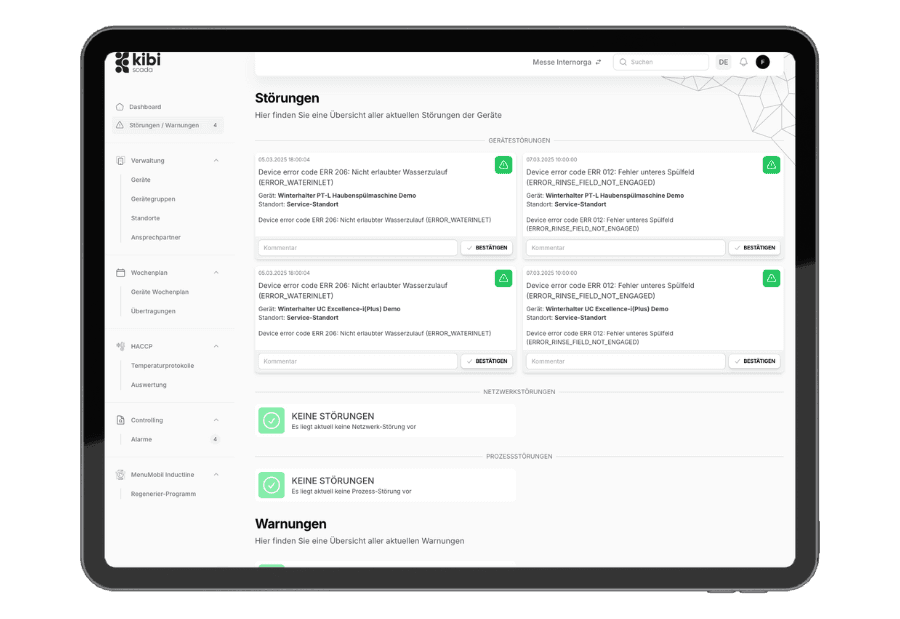
Multi-level notification chains with time-based escalation and on-call rules
Per manufacturer code: urgency, channel, and acknowledgment requirement predefined
Complete alarm audit log from trigger to resolution
Ausgangslage
Why alarm processes often fail in day-to-day operations
Many companies already have reporting systems, but no reliable alarm process. The situation becomes critical wherever responsibilities, working hours, and documentation aren’t properly aligned.
Messages get through—but responses are hit or miss.
Alerts end up in shared inboxes, on private phone chains, or with the wrong role. The issue is rarely the missing alert—but the missing, reliable response path.
The same issue is assessed differently at each location
Without a central reporting catalog, there’s room for interpretation: what’s critical in Facility A might be logged as a routine report in Facility B. This inconsistency costs time and compromises safety.
After an incident, there’s no reliable evidence
Who was informed, when was it acknowledged, and which escalation level was triggered? If this chain isn’t properly documented, an incident remains nothing more than an incomplete story.
Lösung durch Kibi Scada
What Kibi Scada has specifically changed in this situation
The solution doesn’t treat alerting as a standalone function, but as an operational response pathway. This means fewer inefficiencies and greater reliability in critical moments.
Critical incidents follow defined response pathways
Manufacturer codes, priorities, and channels are cleanly stored just once. This ensures every location responds to the same type of incident consistently—without spontaneous interpretation.
On-call duties and substitutions are handled automatically
Escalation adapts to real-world shift realities. The platform alerts differently during the day than at night or on weekends—without teams having to maintain contact lists manually.
Every alarm becomes a traceable response trail
Alert triggering, notification, acknowledgment, and resolution are documented in a traceable log. This makes alarm management auditable instead of just operationally audible.
Ablauf im Betrieb
How the solution works in your operation
The alarm itself isn’t the added value—it’s the chain of assessment, escalation, and documentation. That’s exactly what Kibi Scada maps seamlessly.
Phase 01
01Prepare your notification catalog
For manufacturer codes, the following can be configured: urgency, category, acknowledgment requirement, and which channels—dashboard, email, or phone—are triggered.
Phase 02
02Define the escalation chain
Create a multi-level escalation chain with recipients and time intervals. Define on-call rules to determine who takes over in the evenings, at night, or on weekends.
Phase 03
03Track alarm history at a glance
Every alarm comes with a complete log: trigger, notification, acknowledgment, escalation, and resolution—all timestamped and linked to the user ID.
Passende Bausteine
Which Kibi Scada modules power this solution?
The solution combines multiple platform modules. It's this interplay that creates a robust alarm and escalation management system.
Alerting
Rules, escalation levels, and channels form the technical core of the solution.
Funktion ansehenDashboard
Open reports, priorities, and statuses remain visible during ongoing operations.
Funktion ansehenService requests
From critical alarms, follow-up processes and tickets can be seamlessly derived.
Funktion ansehenTypische Einsatzbilder
Where escalation logic is especially critical
The more critical your operations and readiness, the more valuable a well-structured alert system that seamlessly integrates roles, schedules, and documentation becomes.

Hospitals
On-call rules for nights and weekends – so critical alerts don’t get lost in the inbox.

Large kitchens
Granular alerts per device group – the right people respond, not everyone at once.

Catering
Escalation levels on the go: Drivers, dispatchers, and operations management in one chain—without duplicate notifications.
Service Partners
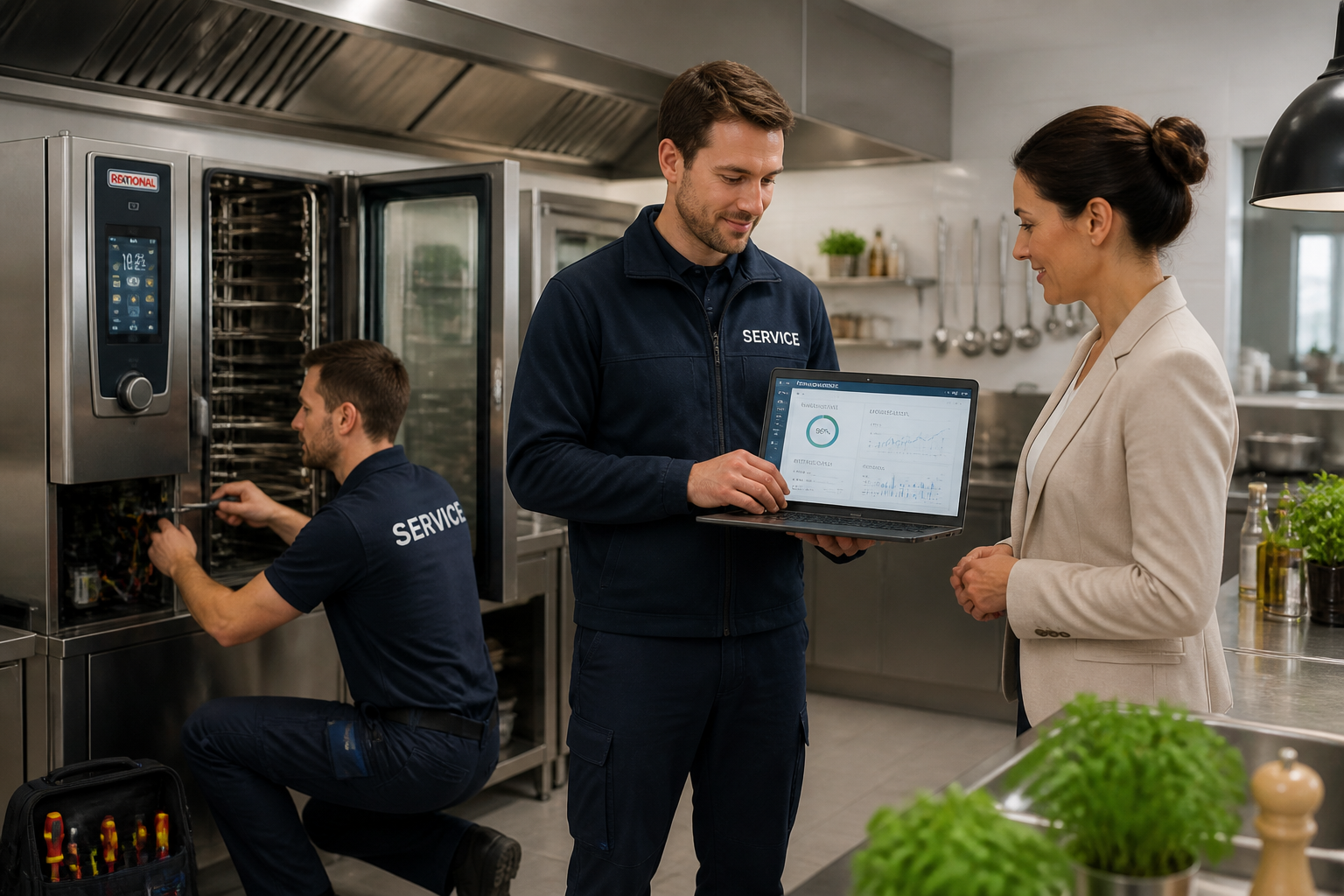
Tenant-separated notification chains – individual recipients and service agreements per customer with a clear audit trail.
FAQ
Frequently Asked Questions About Response Reliability and Escalation
How does escalation work in Kibi Scada?
A notification chain consists of multiple levels. For each level, recipients, notification channel, and waiting time are defined. If no one acknowledges the alert within the set timeframe, it automatically escalates to the next level—from the shift supervisor to the kitchen management and on to operations management, for example. Every step is logged in the alert history.
What notification channels are available?
For each alert, you can activate three channels: the Kibi Scada dashboard, email, and phone (via voice call). For critical alarms, a combination is recommended to ensure the information is reliably received.
What does the reporting catalog do?
The notification catalog stores a standard configuration for each known manufacturer error code: urgency, category, acknowledgment requirement, and which channels trigger the notification. This ensures consistent behavior across all devices and locations instead of individual rules per system.
Can on-call schedules be set up?
Yes. Escalation chains can route notifications to different recipients based on time and day—such as the shift supervisor during the day and the on-call team at night or on weekends. Vacation and substitution rules are also managed via contact profiles.
How can alarm flooding be prevented?
Multiple mechanisms come into play: delay times, minimum threshold levels, quiet periods between follow-up alarms, and grouping of similar notifications. For each code, you can also decide whether the message should appear in the dashboard, trigger a notification, or run silently in the log.
What types of alarms does Kibi Scada support?
Temperature alarms, device alarms, connection alarms, maintenance and service alarms, energy alarms, and system alarms. Each type can be individually configured and is integrated into the same audit process.
How is the alarm history documented?
Every alarm comes with a complete log: trigger with measurement value and timestamp, every notification per channel, acknowledgment with user ID, escalation steps, and final resolution. The data is visible in the dashboard and can be exported into reports upon request.
Do alarms work in mobile use?
Kibi Scada is a web-based platform that works on any modern browser. Dashboard, email, and phone notifications reach recipients regardless of their device, and acknowledgments can be made directly from the notification.
Need to replay a critical alarm sequence live?
We show how Kibi Scada turns a deviation into a clear response path—from the first alert to reliable documentation.

Persönlicher Ansprechpartner
Christofer Wesseling
Founder & Managing Director · Weslink GmbH
We show Kibi Scada live on your equipment, advise you personally on integration and onboarding, and support the rollout in your operation.
Last updated: