
Feature · Reporting
Reporting that prepares for audits and makes leadership actionable
Kibi Scada generates HACCP logs and temperature reports automatically from live operational data—ready to export for audits and authorities.
- HACCP reports at the push of a button – no more handwritten or delayed records
- PDF, Excel, and CSV from the same data source
- Cross-location analyses without manual data collection


Auf einen Blick
Reports as a fixed output layer of the platform
Stop manually gathering data—make reporting a reliable part of your system. This turns quality assurance, leadership, and audit preparation into predictable processes.
Typische Bausteine
Arbeitsweise
From Data Stream to Audit-Ready Report
Three steps to turn measurements and notifications into a usable report for teams, management, and auditors.
Select checklist and time period
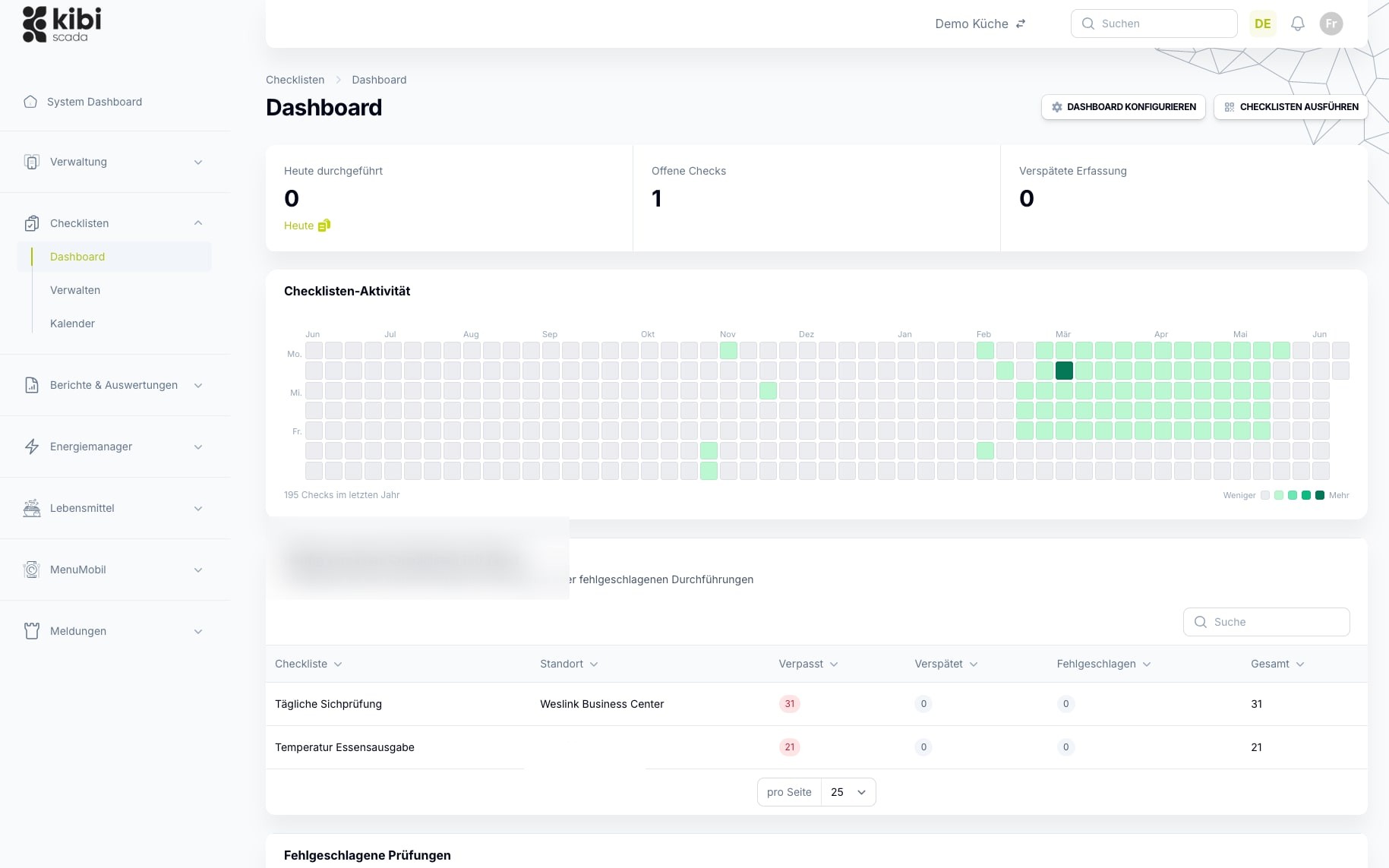
In the report generator, select the checklist and time period for the HACCP report. The data is automatically pulled from ongoing operations—no manual compilation required.
Generate a report
With a single click, Kibi Scada generates the HACCP report for the selected period—including temperature trends, limit breaches, and events. Available on demand, no templates required.
Archive and retrieve with full audit compliance
Every report can be exported as a PDF evaluation, Excel file, or chart—and remains securely stored on the platform with its underlying history for audit-proof compliance. Easily retrievable at any time for audits or follow-up questions.
Im Detail
What regulated kitchen operations require from reporting
Reports must be accurate, complete, understandable, and retrievable later. That’s why Kibi Scada integrates generation, export, and archiving—not just individual export functions.
Automated HACCP
Documentation is generated from live data, not from after-the-fact work.
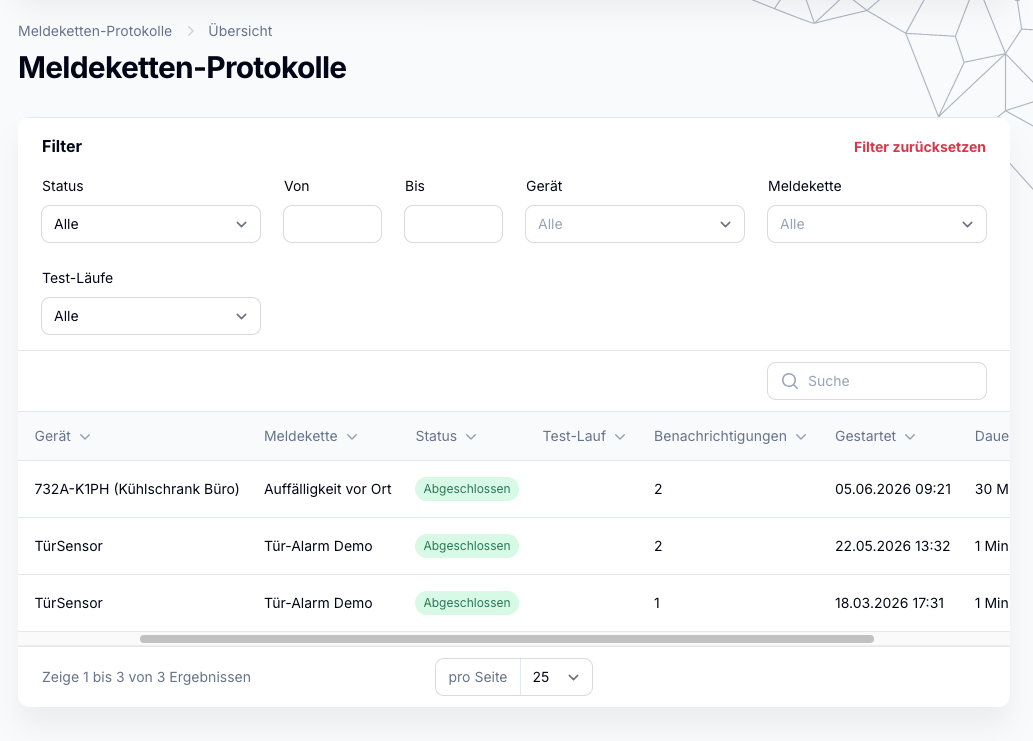
Kibi Scada automatically generates HACCP documentation directly from day-to-day operations. This turns continuous measurement into reliable proof—without teams having to update forms manually.
- Generate daily, weekly, and monthly reports on demand
- Immutable timestamps and event references included
- Threshold breaches and actions traceable in the report
- Long-term archive available for recurring audits
Reports on Demand
Generate the right report for audits, quality management, and leadership
Not every report is an HACCP report. For different recipients, you can apply various report types and timeframes to the same data set—without anyone having to manually compile the data.
- Checklists and reporting periods freely selectable per report
- HACCP logs, alarm summaries, and trend analyses
- Cross-location evaluations in a single report
- Output as PDF, Excel, and CSV
Export & Archive
Export reports and archive them in an audit-proof manner
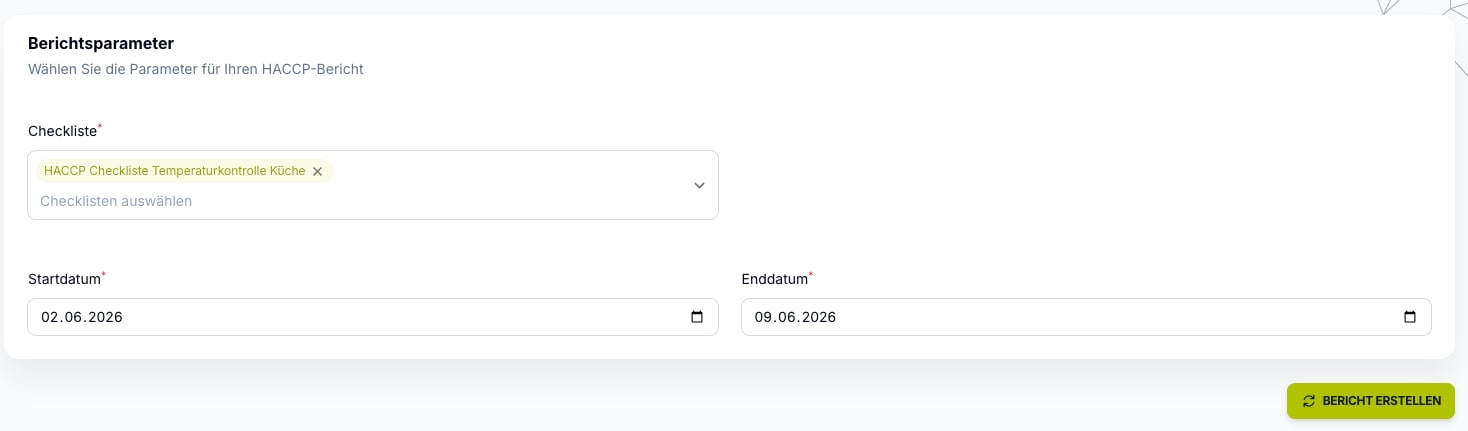
Reporting only gains impact when reports can be reliably exported and retrieved later. Kibi Scada integrates creation, export, and archiving into a seamless workflow.
- Export as PDF, Excel, and CSV from the same data source
- Download reports and share them manually
- Reports centrally archived for audits and inquiries
- Stored in a tamper-proof manner for at least 3 years
Einsatzfelder
Where reliable reporting provides fast relief
When reporting obligations, multiple locations, or different recipient groups come together, a well-structured reporting system saves time every day and reduces audit stress. Calculate your savings yourself.
Hospitals
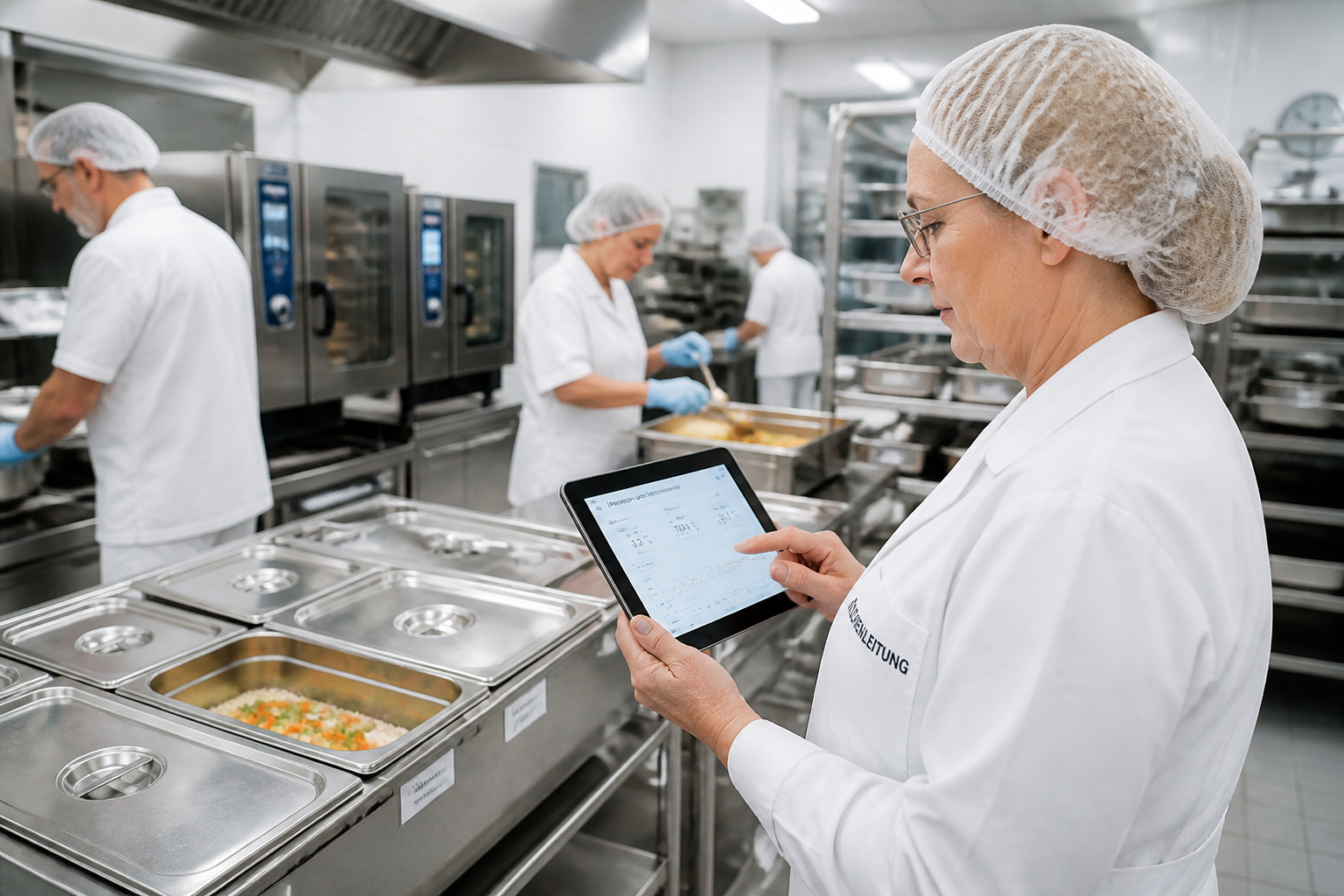
Distributed kitchen, technical, and hygiene teams need a platform that neatly consolidates alert pathways, documentation, and location data.
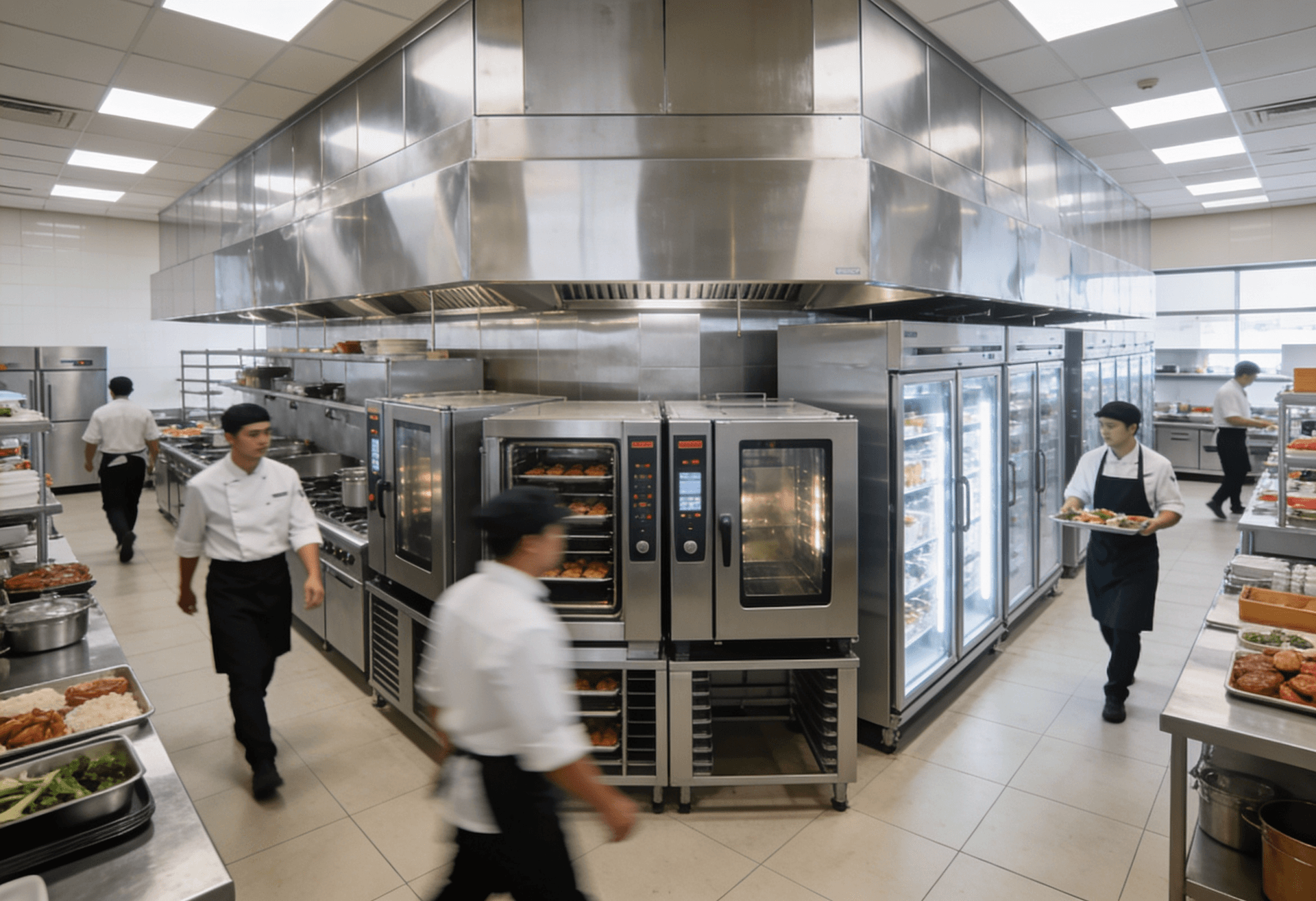
Large-scale kitchens
High documentation requirements, numerous devices, and tight operational windows make seamless transparency on the platform especially valuable.
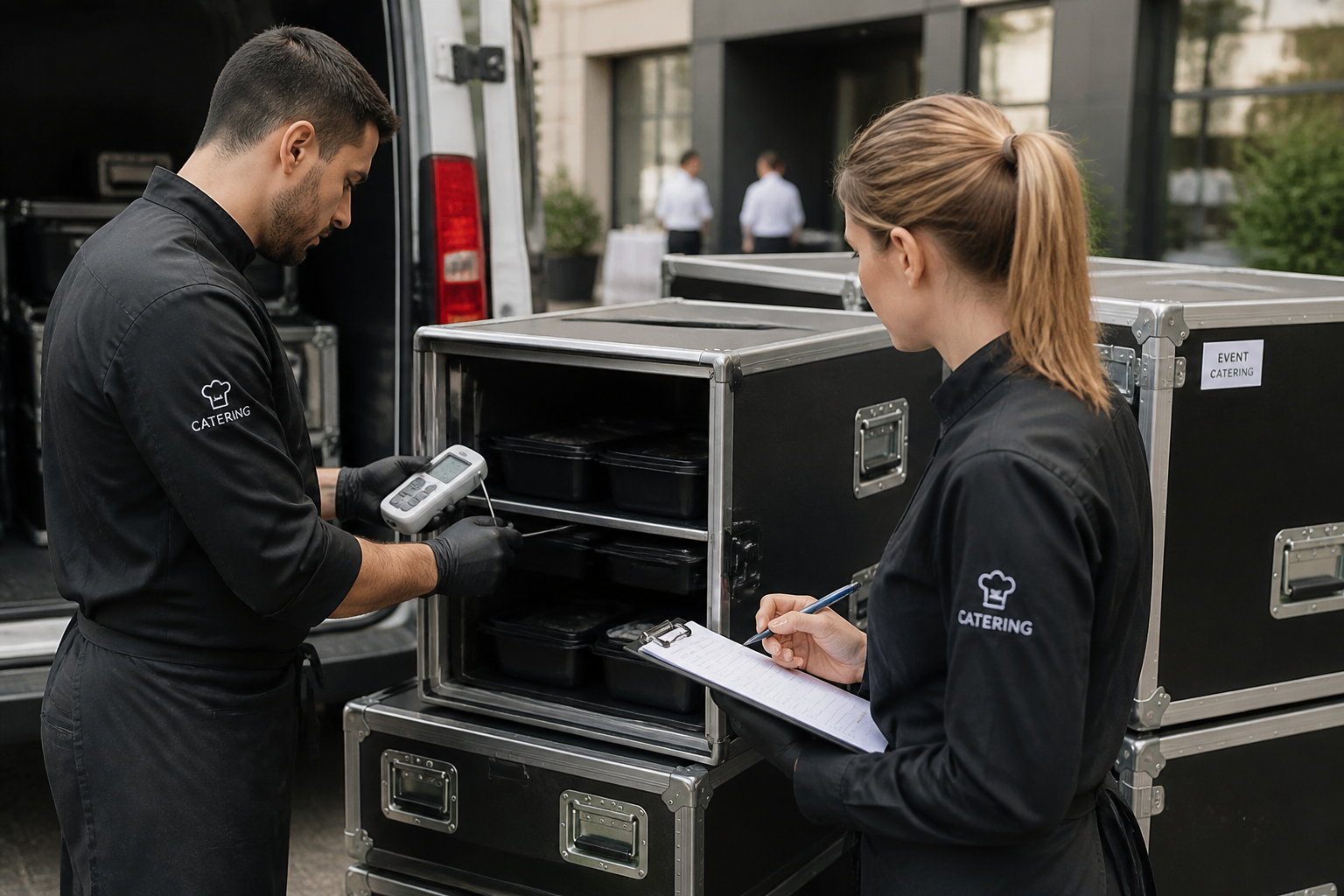
Catering
Mobile processes, multiple output points, and shifting teams benefit from a central system for monitoring, alerts, and reporting.

Service Partners
Tenants, technical responsibilities, and documented measures can be consistently managed on a single platform.
FAQ
Frequently Asked Questions About Reporting
What types of reports does Kibi Scada offer?
Kibi Scada offers various report types: HACCP temperature logs (daily, weekly, and monthly reports), alarm summaries, device status reports, and trend analyses. All reports can be exported as PDF or Excel.
How do I share a report with colleagues or auditors?
Download generated reports as PDF, Excel, or CSV and share them via email or file storage. In case of an audit, archived reports can be accessed directly on the platform at any time.
Are HACCP reports recognized during audits?
Kibi Scada’s HACCP reports support the requirements of EU Regulation (EC) No. 852/2004 and follow the guidelines of the German Federal Institute for Risk Assessment (BfR). All measured values are timestamped immutably and archived in an audit-proof manner—making them ideal as digital HACCP documentation for your internal controls.
How do I create an HACCP report?
In the report generator, select the desired checklist and time period (start and end date) and generate the report with a single click – as PDF, Excel, or CSV. You don’t need to create custom report templates; the content is automatically generated from the selected checklist and the recorded data.
How long is data stored for reports?
All measurement data is stored for at least 3 years and is available for reporting. This ensures compliance with the retention periods of most food hygiene regulations. If required, the retention period can also be extended.
In which formats can I export reports?
Reports can be exported as PDF (ideal for audits and archiving), as Excel files (for your own analyses), and as CSV files (for importing into other systems). PDF reports automatically include charts, tables, and all relevant metadata.
Can I consolidate reports across multiple locations?
Yes, cross-location reports are one of Kibi Scada’s strengths. You can consolidate and compare data from multiple locations in a single report—for example, the average refrigerator temperature across all branches or the frequency of alarms per location within a specific period.
For which periods can I generate reports?
Choose your time period freely in the report generator—from individual days to weekly and monthly reports, all the way to custom audit periods. The data is stored seamlessly on the platform, so even retrospectively requested timeframes can be covered at any time.
See HACCP reports and reporting workflows live?
We show how Kibi Scada generates, exports, and provides reports from live data—so teams don’t have to scramble for files when an audit comes up.

Persönlicher Ansprechpartner
Christofer Wesseling
Founder & Managing Director · Weslink GmbH
We show Kibi Scada live on your equipment, advise you personally on integration and onboarding, and support the rollout in your operation.
Last updated: