Feature · Remote Configuration
Remotely configure devices – without visiting each one
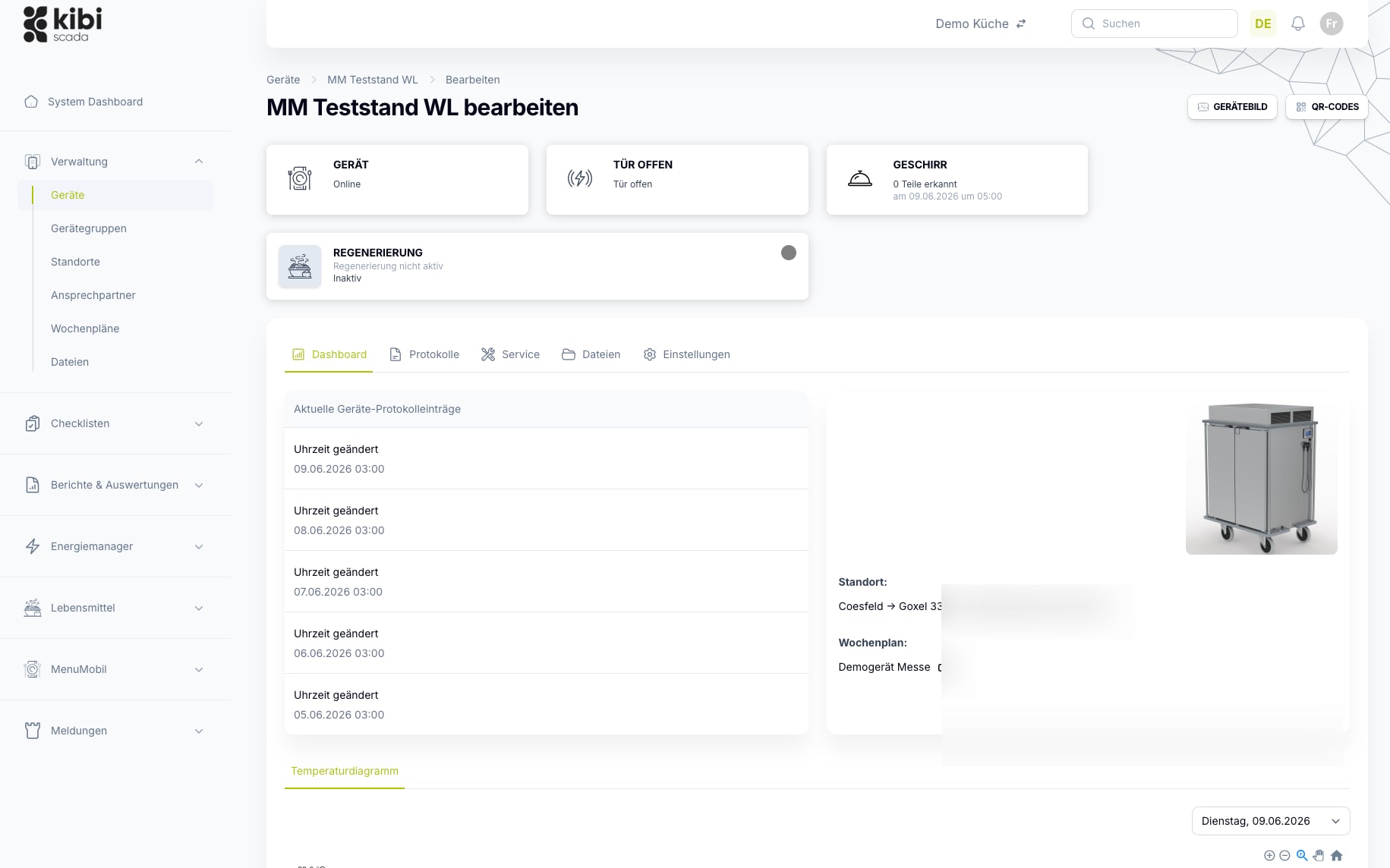
Thresholds, weekly schedules, and device settings can be changed centrally for individual devices or entire sites and securely transferred; gateways are kept up to date via OTA—every change is logged.
- Set limit values, measurement intervals, and target values per device or device group
- Centrally assign alarm rules and weekly schedules instead of configuring each device individually
- Encrypted transmission with audit log and status tracking per device
Auf einen Blick
Configuration is the foundation for reliable monitoring and alerts.
Only when threshold values, measurement intervals, and alarm rules are correctly set for each device do the dashboard, alerts, and reports deliver reliable results. Remote configuration keeps these settings centrally consistent—without anyone needing to access each device individually.
Typische Bausteine
Arbeitsweise
From hiring request to deployed configuration
Three steps to centrally set device configurations and deploy them to devices in a traceable way.
Select device or device group
Select devices by filtering for location, device group, and status—then adjust their settings individually or in bulk for batch processing.
Set parameters and programs
Thresholds, measurement intervals, target values, alarm rules, and weekly schedules are adjusted centrally—per device or for the entire selection at once.
Store, transfer, and version securely
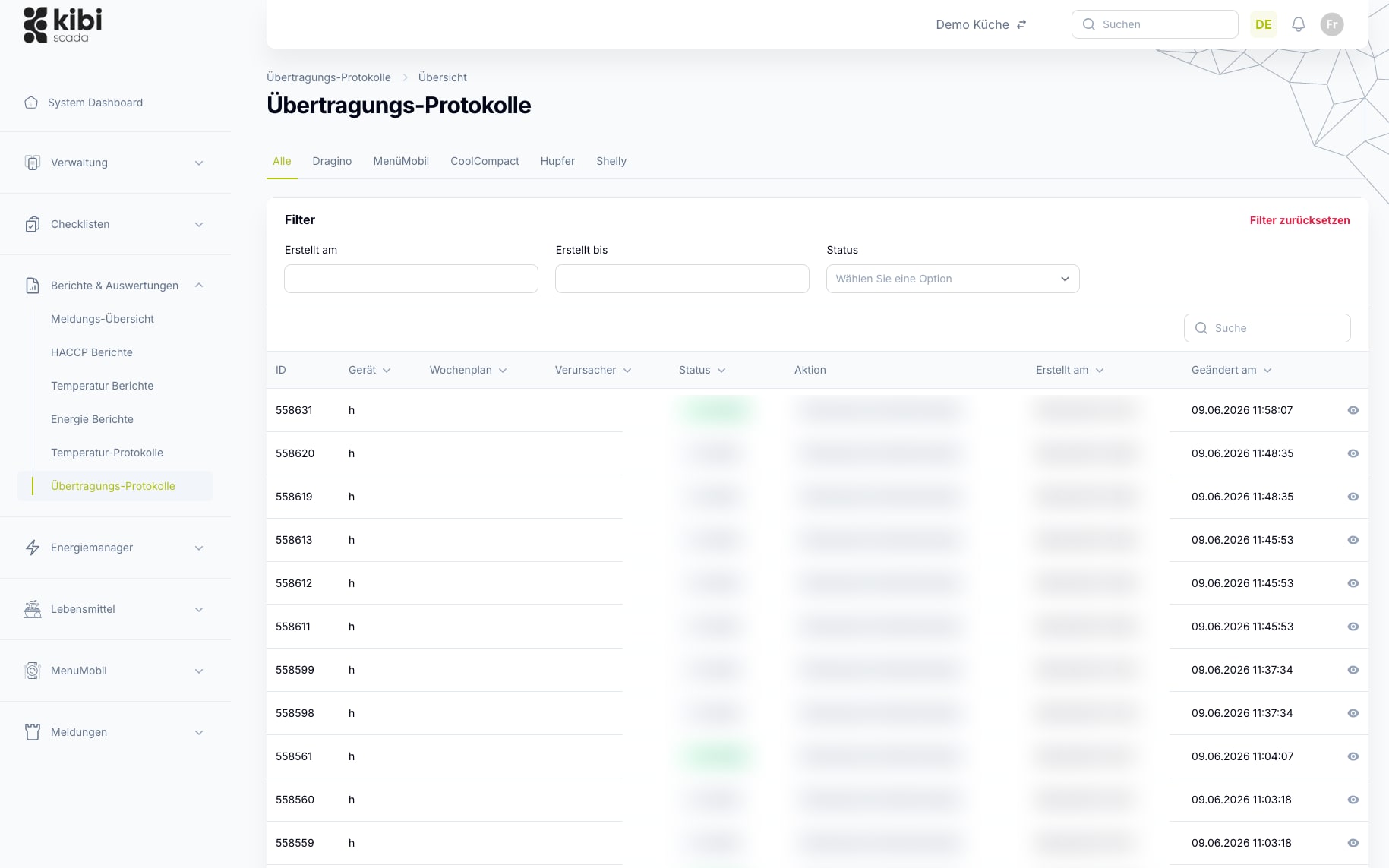
Changes are transmitted to devices in encrypted form. Every transmission is logged with a timestamp and the person who initiated it; the status of each transmission (in progress, successful, or failed) is fully traceable.
Im Detail
What can be configured remotely in Kibi Scada?
From threshold values to weekly schedules to gateway updates: settings are managed centrally and securely transferred to devices—individually or in bulk.
Alarm Rules
Define alarm rules centrally instead of per device
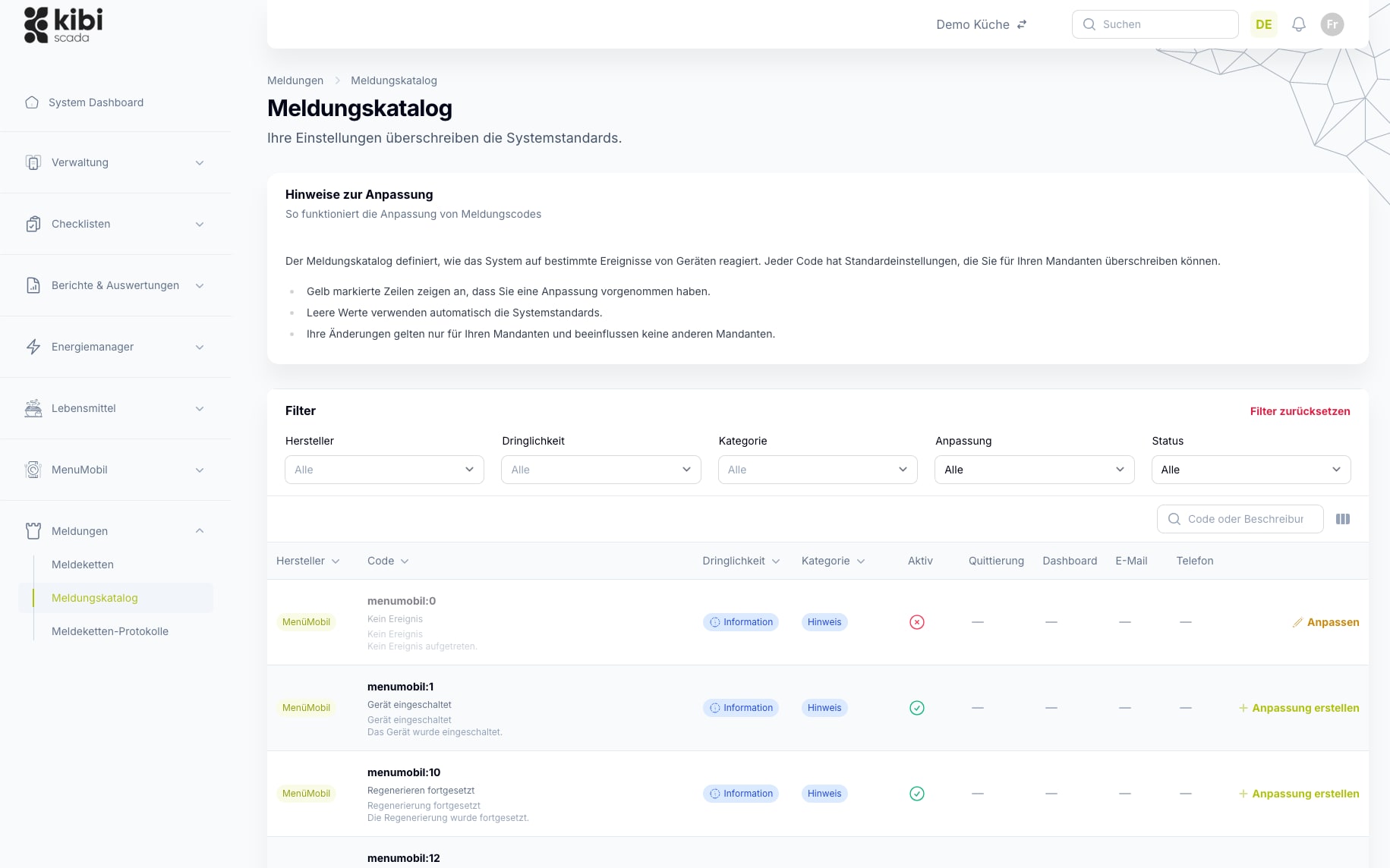
Urgency, channels, acknowledgment requirements, and thresholds are stored per alert in the alert catalog. This ensures that similar devices behave consistently across all locations—without individual settings on each system.
- Define upper and lower threshold values per measurement point
- Delay times and time window exceptions to prevent false alarms
- Consistent alert behavior for each manufacturer error code
- Rules maintainable per device group instead of per individual device
Batch Processing
One setting, multiple devices and locations
Instead of configuring each device individually, distribute parameters, weekly schedules, and programs in bulk to an entire selection—from a single operation to a cross-location network.
- Filter by location, group, and device type
- Define weekly schedules and programs once, assign them multiple times
- Maintain configurations centrally instead of on-site at each device
- Consistent settings as the foundation for monitoring and reporting
Gateway OTA
Keep gateways up to date and secure via OTA
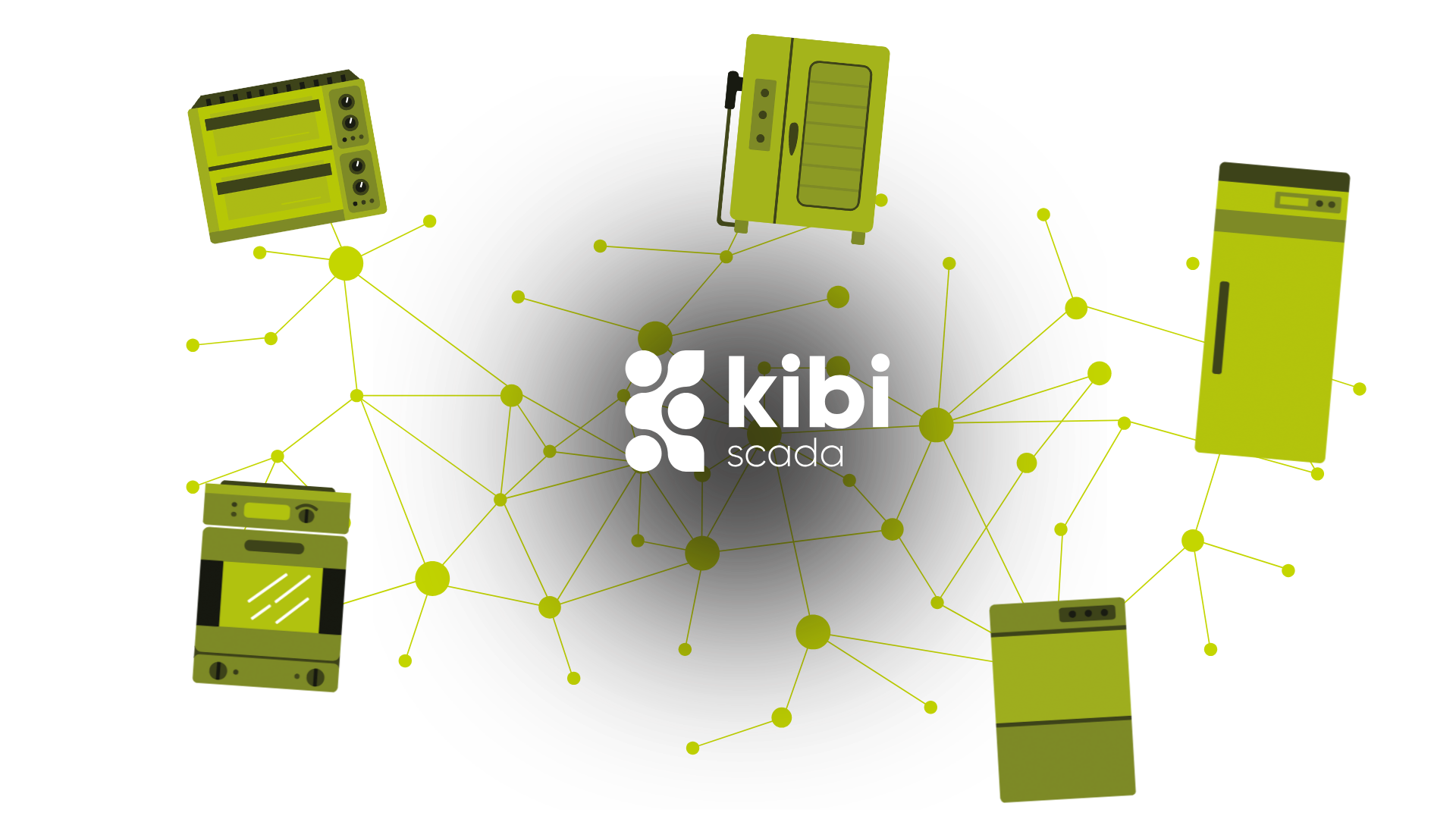
Kibi Scada keeps the gateways at your sites up to date via over-the-air updates: security patches and new features are rolled out centrally, without on-site visits. This keeps your infrastructure compliant with NIS2 and the Cyber Resilience Act (CRA). Device firmware from compatible manufacturers can follow via the same path.
- Roll out gateway security updates centrally and remotely
- Compliant with NIS2 and the Cyber Resilience Act (CRA)
- Versioned transfers with status: in progress, up to date, or failed
- Complete audit log with timestamp and triggering user
Einsatzfelder
Where centralized remote configuration makes daily work easier
The more devices, locations, and device types come together, the more important it becomes to keep settings centrally consistent—without having to access each device individually.
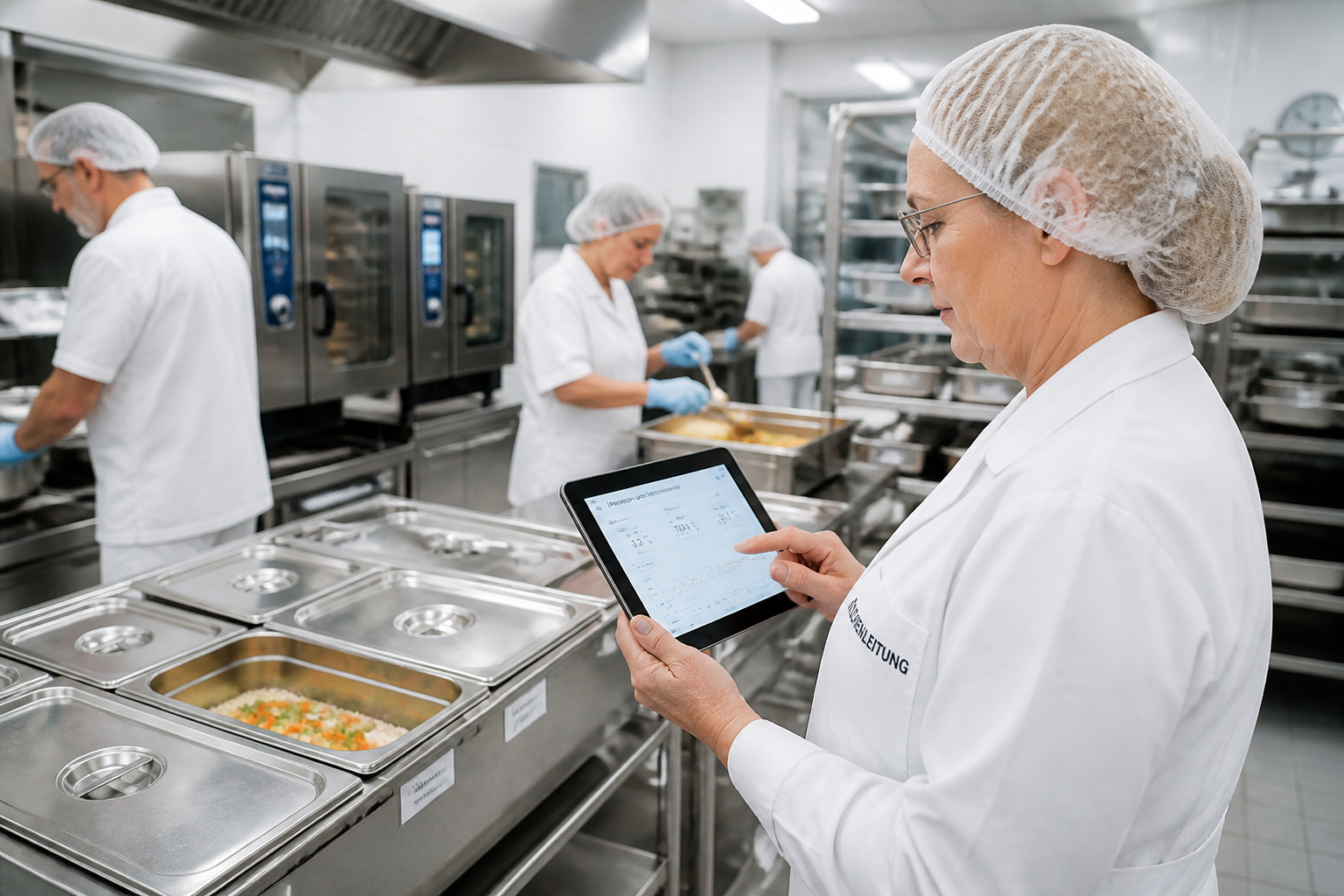
Hospitals
Distributed kitchen, technical, and hygiene teams need a platform that neatly consolidates alert pathways, documentation, and location data.
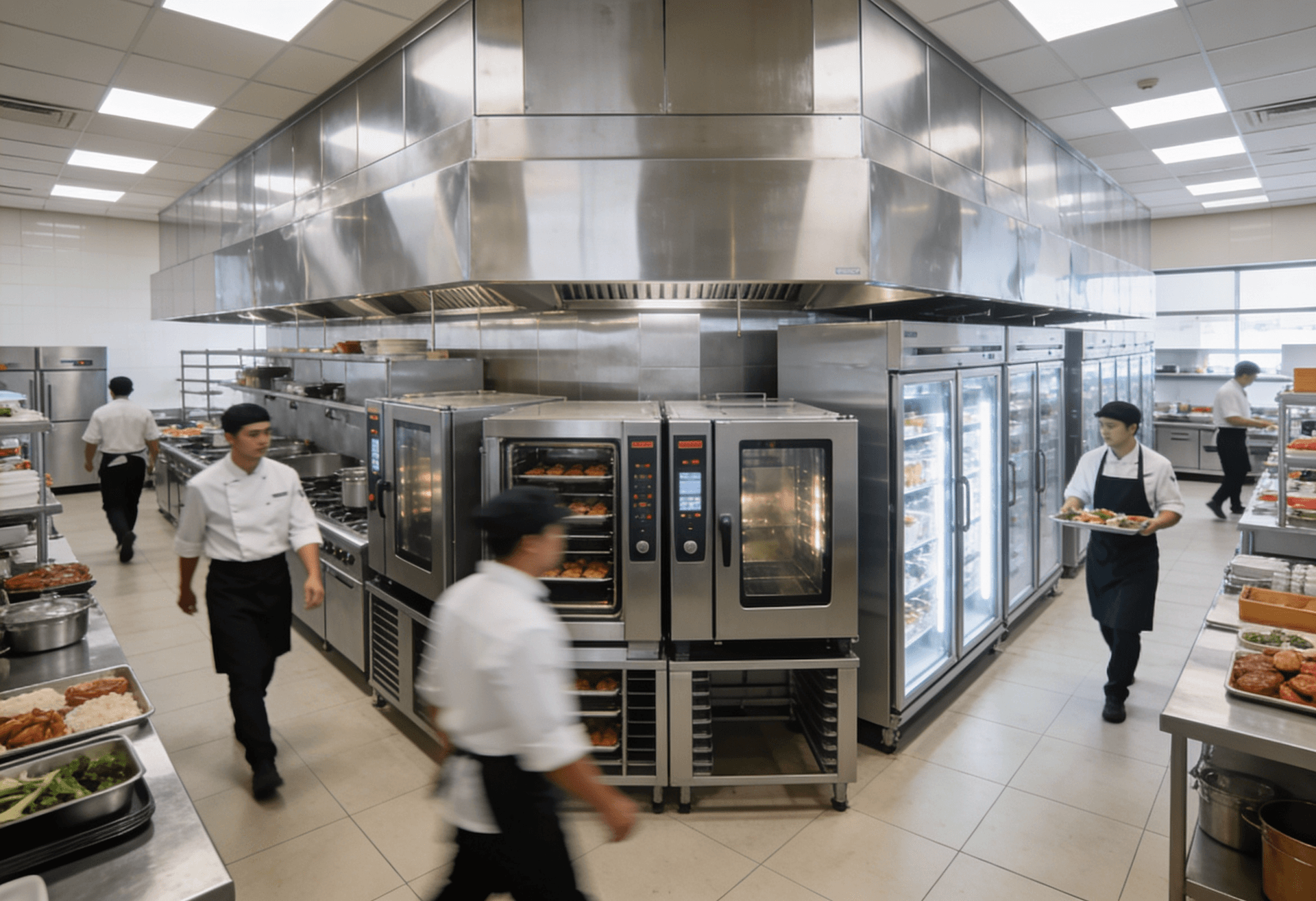
Large-scale kitchens
High documentation requirements, numerous devices, and tight operational windows make seamless transparency on the platform especially valuable.
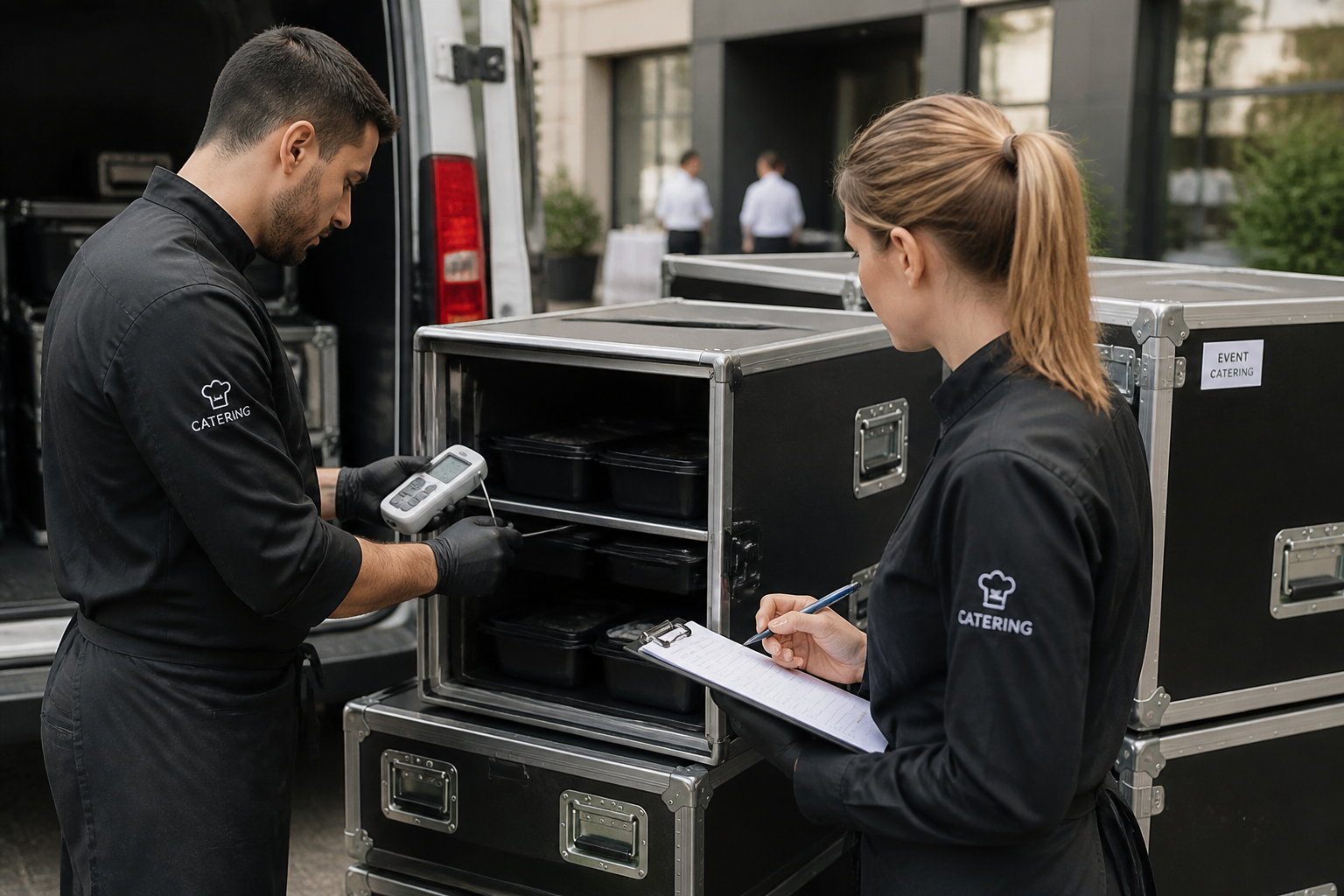
Catering
Mobile processes, multiple output points, and shifting teams benefit from a central system for monitoring, alerts, and reporting.
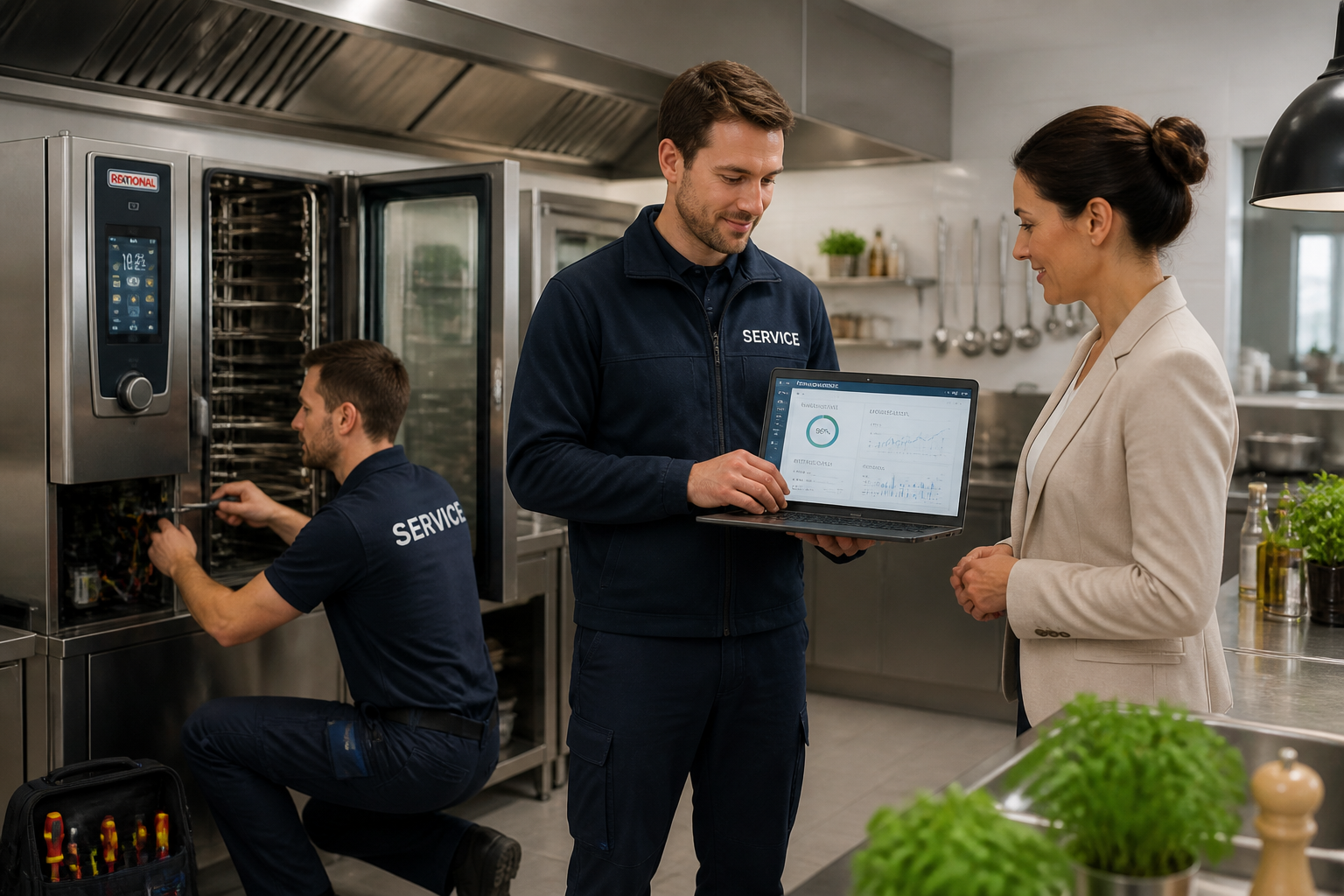
Service Partners
Tenants, technical responsibilities, and documented measures can be consistently managed on a single platform.
FAQ
Frequently Asked Questions About Remote Configuration
Which settings can be changed remotely?
Depending on the device: temperature limits, measurement intervals, setpoints, alarm rules, weekly schedule assignments, and network settings. The exact scope depends on the capabilities of the respective device and its connection. The gateways at your sites are additionally kept up to date via OTA.
Can I configure multiple devices at the same time?
Yes. Use filters by location, device group, and status to select a group and apply settings in bulk—no need to adjust each device individually.
How secure is the transmission of settings?
The connection between the device gateway and Kibi Scada is AES-256 encrypted via OpenVPN. Devices establish outgoing connections, so no incoming firewall rules are required. Every configuration change is documented in the audit log.
What happens if a transmission fails?
If a transfer or gateway update fails, it is flagged in the transfer log and can be specifically triggered again. The status of each transfer (in progress, successful, or failed) is visible there at any time.
Are configuration changes documented in a traceable way?
Yes. Every change is logged with a timestamp and the person who made it in the audit log—showing who changed which parameter and when. This ensures traceability for operations, IT, and audits.
What’s the difference between remote configuration and remote maintenance?
Remote configuration is the feature that lets you set device settings remotely. Remote maintenance is the overarching solution behind it—including remote diagnostics, service partner tenants, and fewer on-site visits. Both use the same secure connection.
See remote configuration live on your devices?
We show how you can centrally set limit values, weekly schedules, and alarm rules—and securely transfer them to your devices, individually or in bulk.

Persönlicher Ansprechpartner
Christofer Wesseling
Founder & Managing Director · Weslink GmbH
We show Kibi Scada live on your equipment, advise you personally on integration and onboarding, and support the rollout in your operation.
Last updated: