Features · Service Requests
Service requests – from click to documented solution
Service requests are created directly from device status with full context—assigned, tracked, and logged in an audit-ready record.
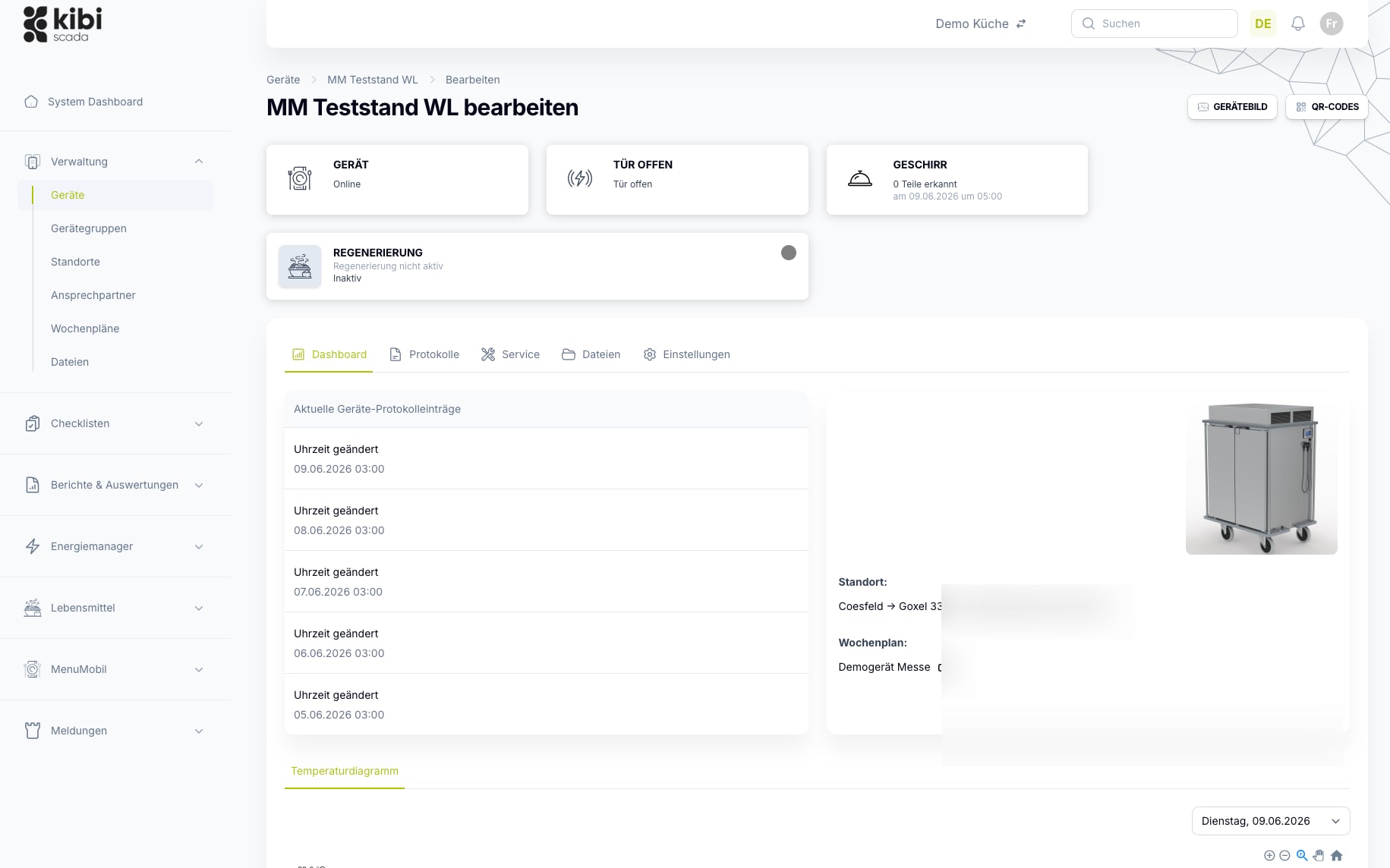
- Create service requests directly from the device details – with full context
- Spare parts, maintenance tasks, and tickets in the same audit log
- Integration with service partner tenants or your own service organization

Auf einen Blick
Service as part of the operational data flow
Tickets aren't a parallel universe—they originate from the same data, relate to the same devices, and are documented on the same platform as temperatures, reports, and alerts.
Typische Bausteine
Arbeitsweise
From Incident to Documented Response
Three steps that turn an observation in daily operations into a closed service record—without switching tools or losing information.
Create a request in context
From the device detail, a notification, or directly from the dashboard. The request automatically inherits the device, location, latest measurements, and open alarms.
Assignment and management
Routing to the responsible service organization – your own team or a service partner client. Status, notes, and updates remain on the ticket.
Completion with certificate
Repairs, installed spare parts, and effort are documented. The ticket becomes part of the device history and HACCP documentation.
Im Detail
What a service function in the platform needs to deliver
Requests without context are costly. Requests without routing get lost in email overload. Requests without an audit trail don’t count as compliance evidence. Kibi Scada covers all three dimensions.
Request in Context
Tickets are created from the data that concerns them
A service request for a meal distribution cart isn’t typed into a blank form—it’s created directly from the device details. The device, location, latest measurements, open alarms, and maintenance history are automatically attached.
- Can be created from device details, message overview, or dashboard
- Latest measurements, alarms, and maintenance history automatically linked
- Photo capture directly from your smartphone for visual documentation
- Custom fields configurable per request type
Routing & Tenants
Tickets land where they’re handled.
Requests are routed to the responsible service organization—your own team, a service partner tenant, or the manufacturer—based on request type, location, and device group. Manual forwarding is always possible without losing the audit trail.
- Default recipients per request type and location can be stored
- Multi-tenant model for service partners with separate data spaces
- Manual forwarding without losing the audit trail
- Escalation for overdue tickets via existing reporting chains
Audit & History
Every ticket becomes part of the device history.
Requests, processing, spare parts, and completion are seamlessly recorded in the audit log. This makes the device history reliable for years: which issues occurred, which measures helped, and which spare parts were installed.
- Complete ticket lifecycle with timestamps and users
- Spare parts history per device across all tickets
- Integration with CMMS and ERP systems via REST API and webhooks
- Tickets available as evidence in the HACCP report generator
Einsatzfelder
Where service requests make the biggest impact
Wherever devices, locations, and service teams are spread out—and response times matter.
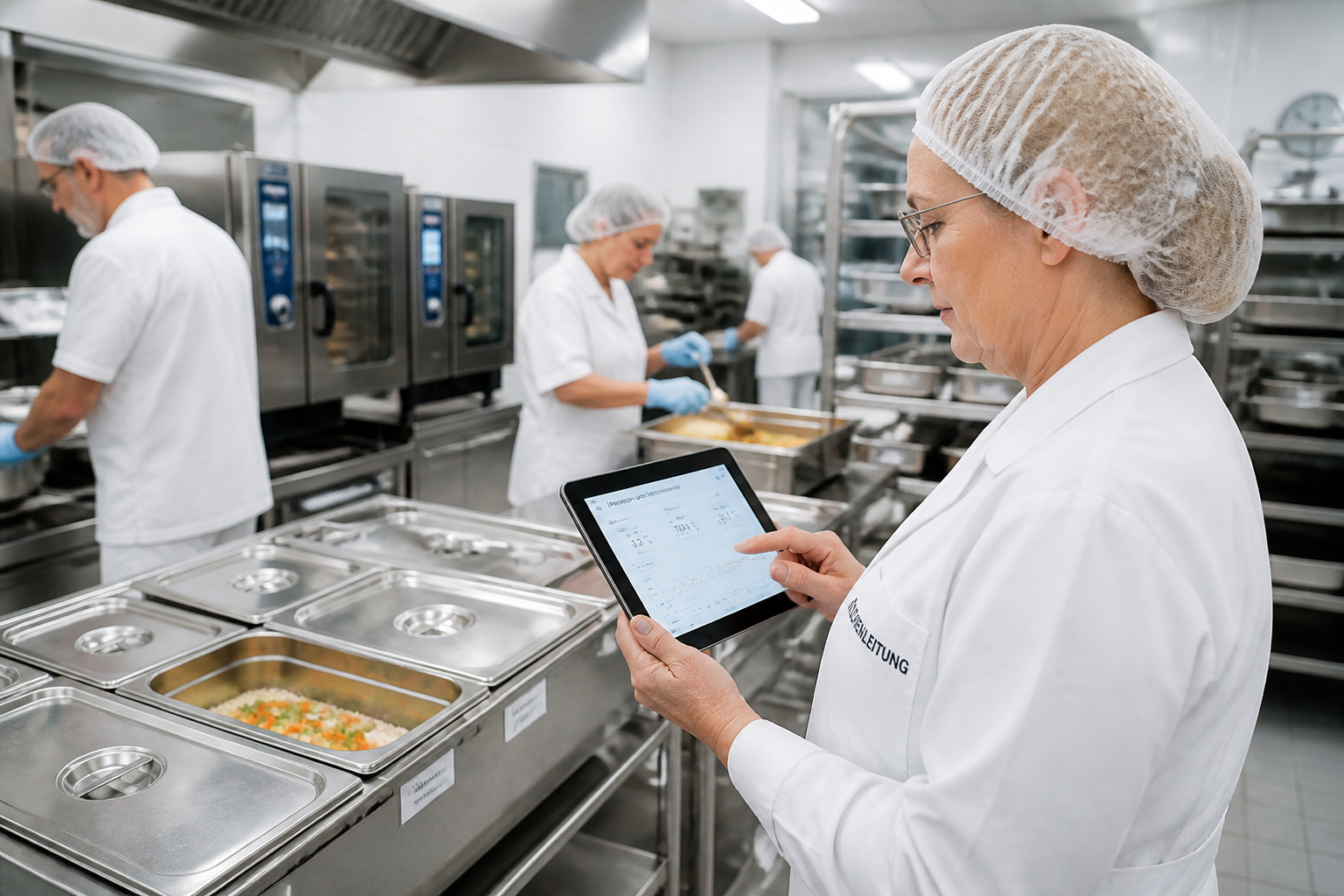
Hospitals
Distributed kitchen, technical, and hygiene teams need a platform that neatly consolidates alert pathways, documentation, and location data.
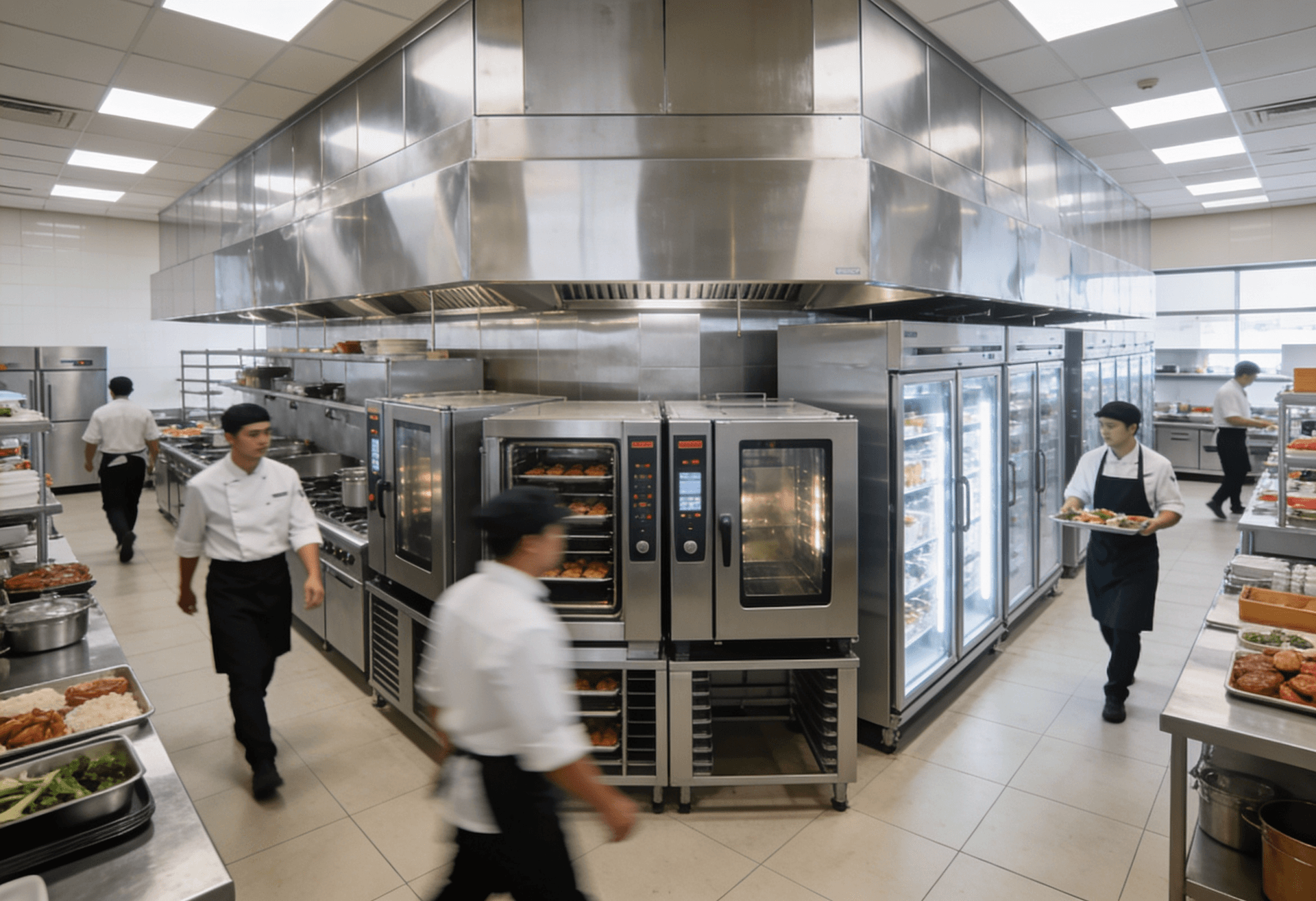
Large-scale kitchens
High documentation requirements, numerous devices, and tight operational windows make seamless transparency on the platform especially valuable.
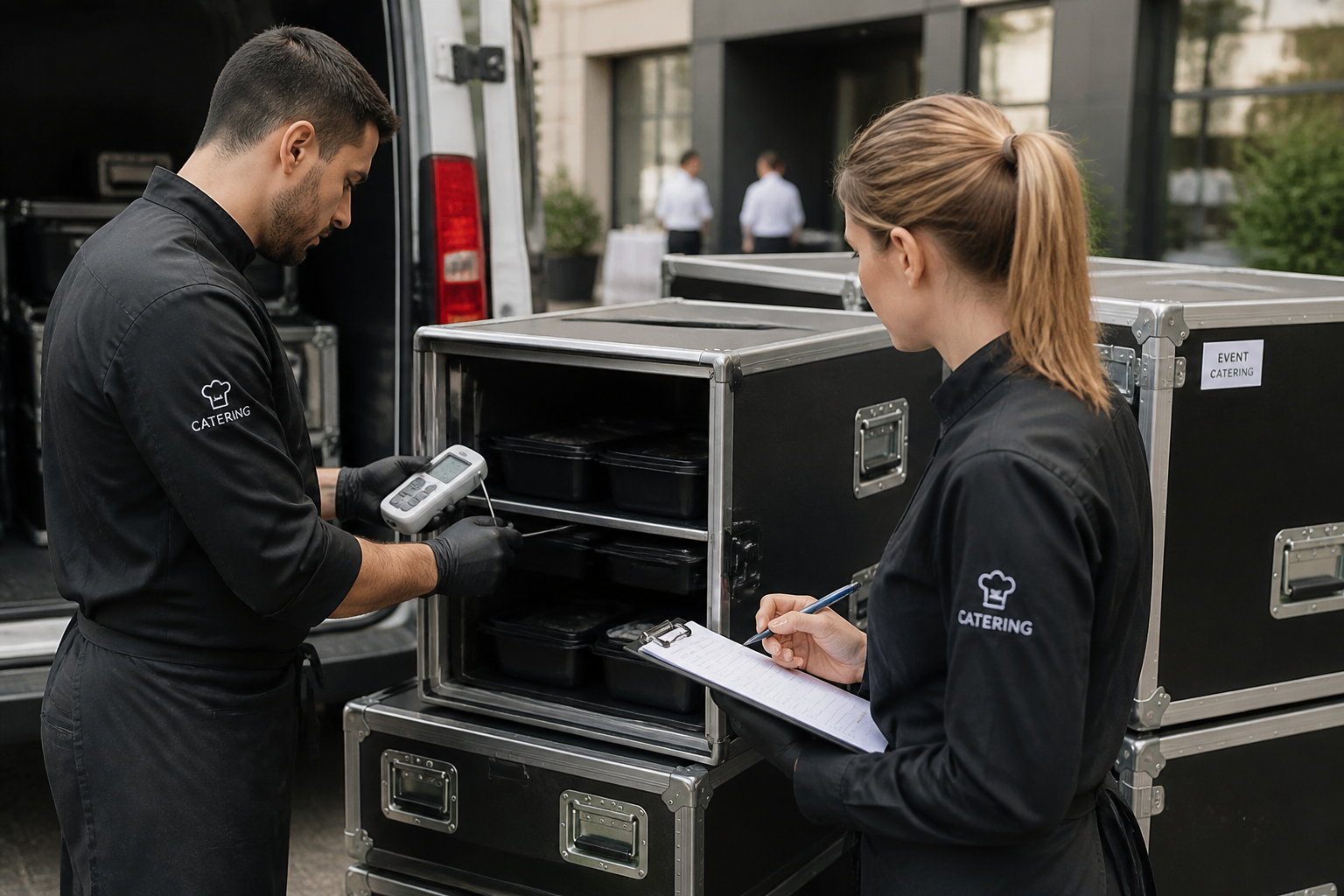
Catering
Mobile processes, multiple output points, and shifting teams benefit from a central system for monitoring, alerts, and reporting.
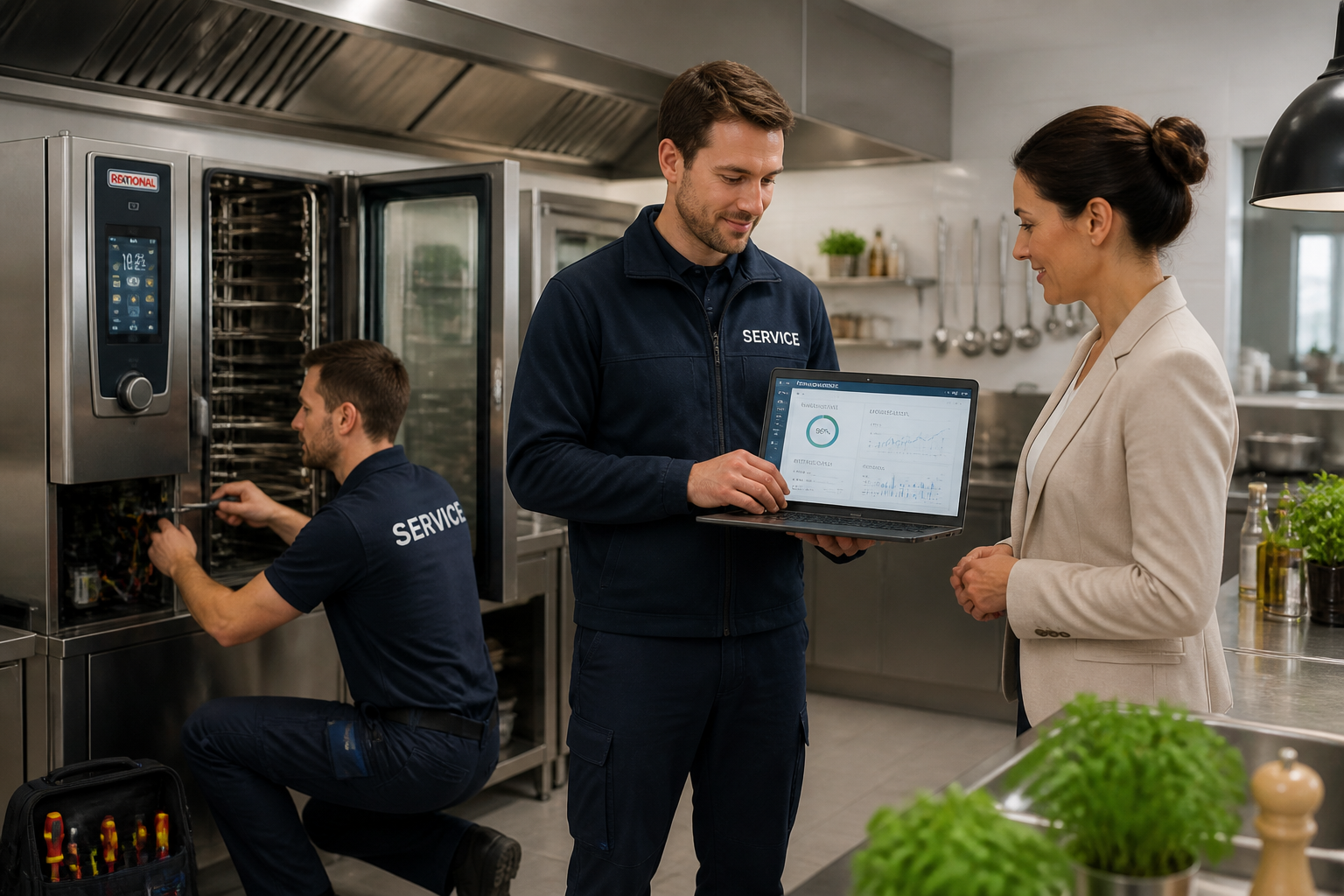
Service Partners
Tenants, technical responsibilities, and documented measures can be consistently managed on a single platform.
FAQ
Frequently Asked Questions About Service Requests
What qualifies as a service request in Kibi Scada?
Everything that requires action on a device, location, or process: incident reports, repair requests, maintenance tasks, spare part orders, or user questions. Every request generates a ticket with a full history, logged in the device record and audit log.
How is a request created?
From three typical contexts: from the device detail (request inherits device, location, latest values), from a notification in the notification overview (convert alarm directly into a ticket), or as a free request in the dashboard. All paths lead to the same ticket pool.
Who handles the request?
Routing is configurable. Requests can be directed to internal teams, an external service partner tenant, or a manufacturer contact. For each request type and location, default recipients can be set, and manual forwarding is always possible.
What happens to spare parts?
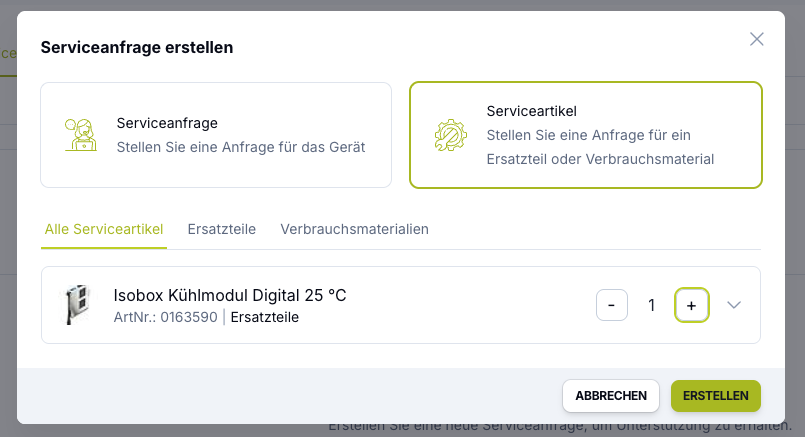
Spare parts are recorded on the ticket—including description, quantity, supplier, and status. Once the parts are installed on-site, they can be documented on the device. Over time, this creates a reliable spare parts history for each device.
How does it integrate with CMMS or ERP systems?
Kibi Scada offers a REST API and webhooks for outgoing events. Service actions can be automatically forwarded to CMMS systems—for example, as a maintenance order as soon as preventive maintenance is due on a device or an alarm escalates into a repair order.
Is the request part of the HACCP documentation?
Yes. A ticket generated from a HACCP-relevant alarm documents the action taken—including timestamp, responsible person, and outcome. This makes the ticket proof that the alarm was addressed.
Can recurring maintenance tasks be scheduled?
Yes. Maintenance schedules can be set up per device or device group—time-based or usage-based. As soon as maintenance is due, a ticket is automatically generated with the predefined recipient and a checklist of the required steps.
How do service partners view their customers' tickets?
With the tenant model, service partners manage multiple customers in one interface—with cleanly separated data spaces. A service dashboard displays open tickets across all customers, with drill-down functionality leading to individual tenants.
View service requests on a real device detail?
We’ll show you live how a request is created from a device detail or report, routed to the right service organization, and finally documented as an audit entry.

Persönlicher Ansprechpartner
Christofer Wesseling
Founder & Managing Director · Weslink GmbH
We show Kibi Scada live on your equipment, advise you personally on integration and onboarding, and support the rollout in your operation.
Last updated: