
Features · Device & Location Management
Manage devices and locations – the structure behind the control center
Kibi Scada maps locations, areas, and device groups into a clear structure that dashboards, alarms, and reports automatically follow.
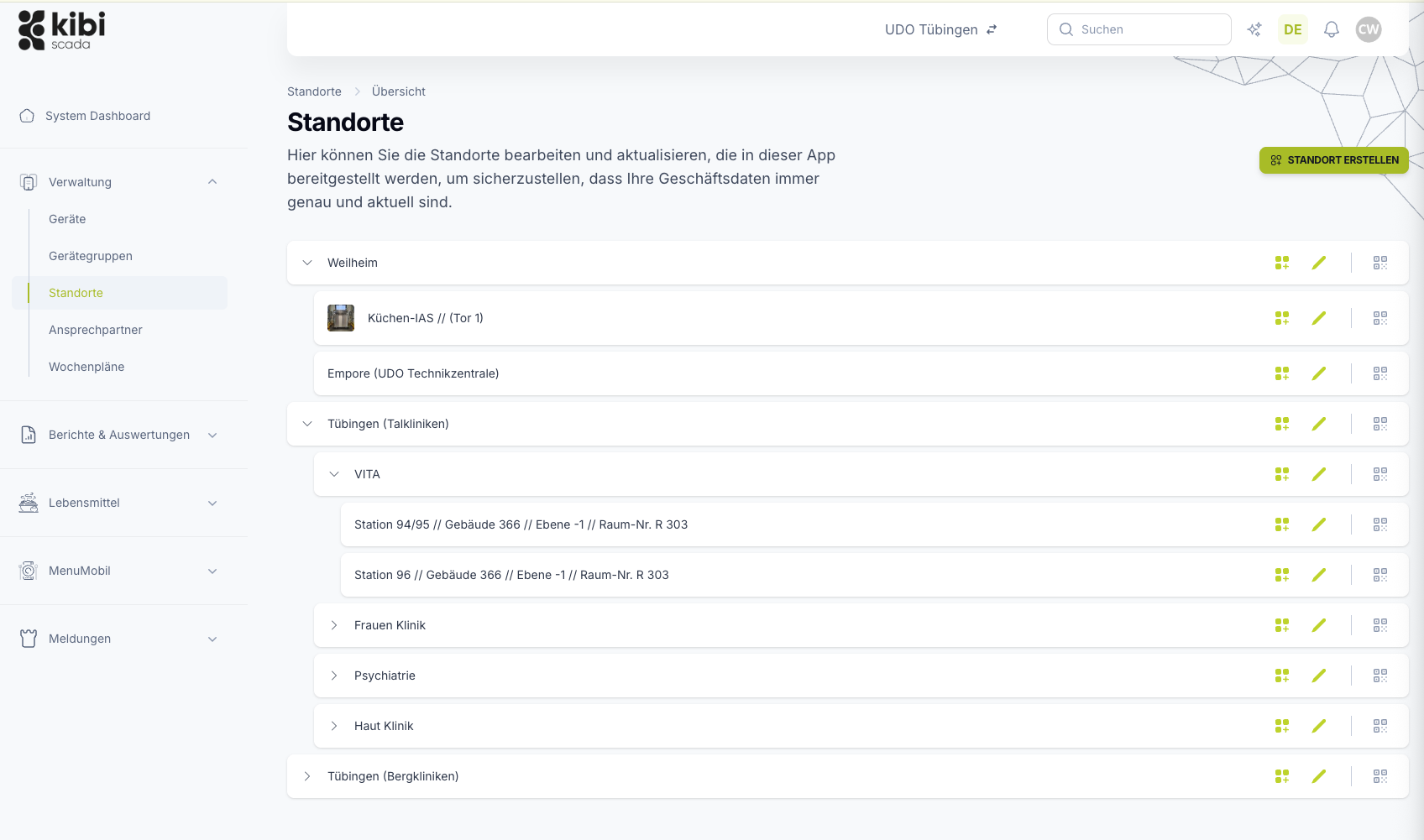
- Locations and areas with devices, QR codes, and responsibilities
- Device list with filters by location, status, device group, and weekly schedule
- Contacts with notification channels for alarms and reports
Auf einen Blick
Management is the foundation for monitoring, alerts, and reports.
Every analysis, every alert, and every record is linked to a device at a specific location. The cleaner this structure is maintained, the more precisely dashboards filter, the more accurately alerts are escalated, and the more reliable reports become.
Typische Bausteine
Arbeitsweise
From site structures to a well-maintained device inventory
Three steps to map your operations in Kibi Scada – once set up cleanly, all other functions benefit.
Create locations and areas
Locations are set up with their respective areas—from the kitchen to the warehouse to the service counter. Each location gets its own QR codes, devices, and responsibilities.
Add and assign devices
Devices are recorded with master data, location, and device group—from the cold storage unit to the meal distribution cart. Filters by connection status, condition, and weekly schedule keep even large inventories clear and organized.
Assign responsibilities
Contacts are maintained with their roles and notification channels. This ensures that the right people are notified by email or phone in case of alarms and alerts.
Im Detail
What Kibi Scada covers in administration
From device records to weekly schedules and client accounts for service partners: administration keeps all master data in one place—no more Excel spreadsheets, folders, or scattered notes.
Device Record
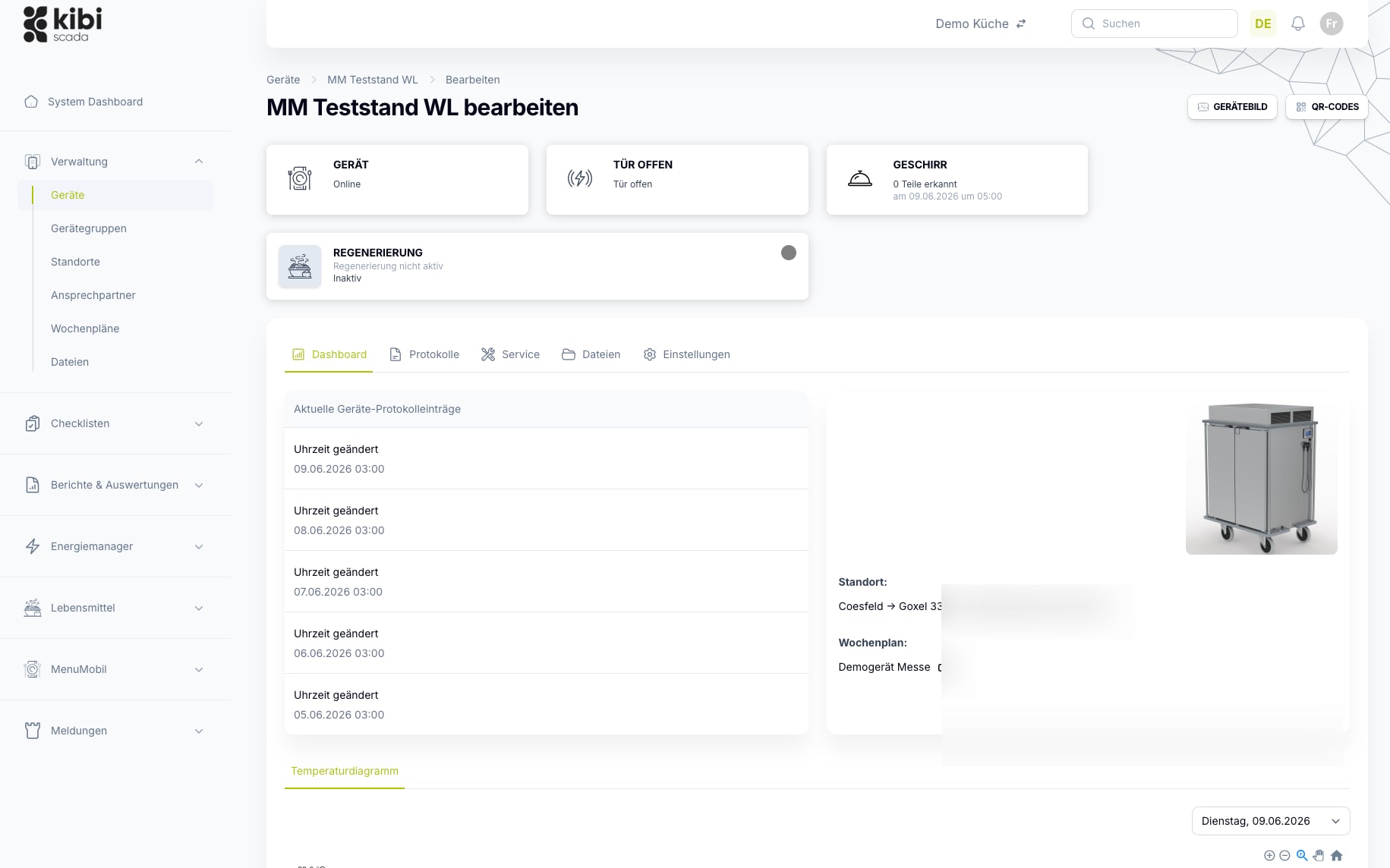
Every device has a complete record.
The device detail page consolidates live status, logs, service requests, files, and settings in one place. Instead of scattering information across folders and tools, each device builds a reliable history.
- Live status with connection, condition, and current measurements
- Logs, service requests, and files directly at the device
- QR codes for quick access at the device on-site
- Temperature charts with daily trends per device
Weekly Schedules
Operating hours and programs in the weekly schedule
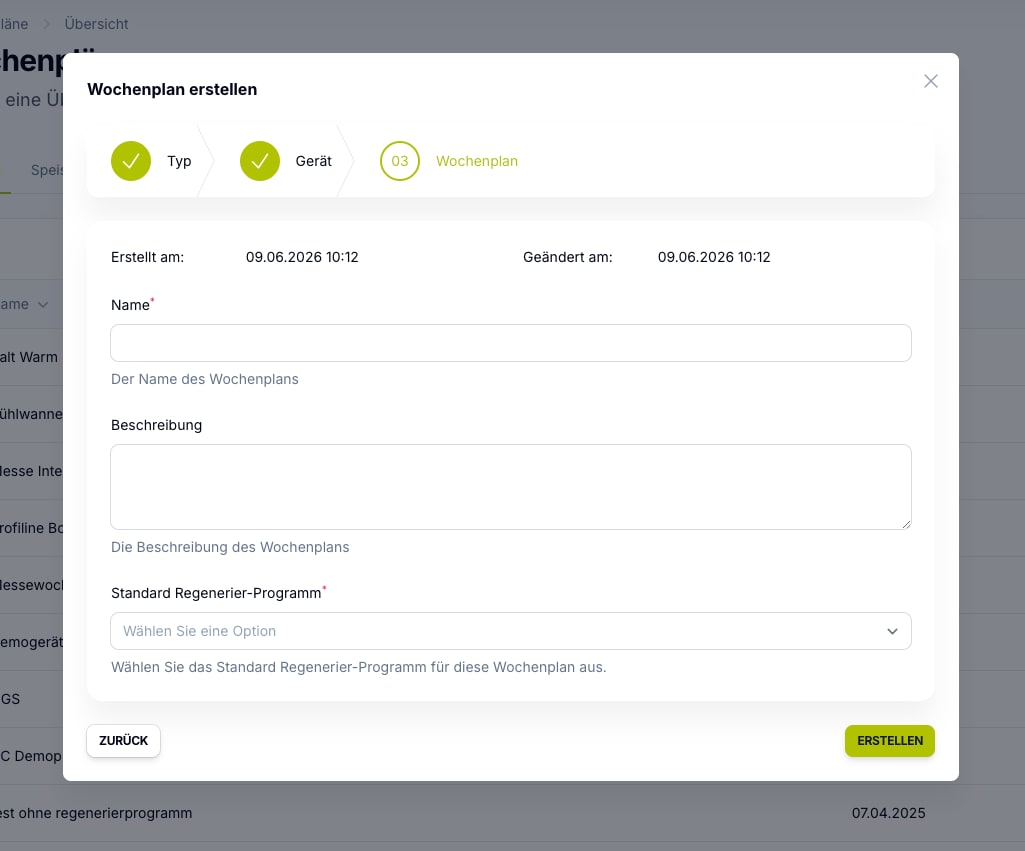
Weekly schedules determine when devices are active and which program they run. Assigned devices display auto-start and remaining runtime directly in the device list—deviations are spotted immediately.
- Assign weekly schedules per device or device group
- Store programs and time windows for each device type
- Auto-start and remaining runtime visible in the device list
- Maintain changes centrally instead of on each device individually
Multi-Site & Tenants
From individual businesses to service partner clients
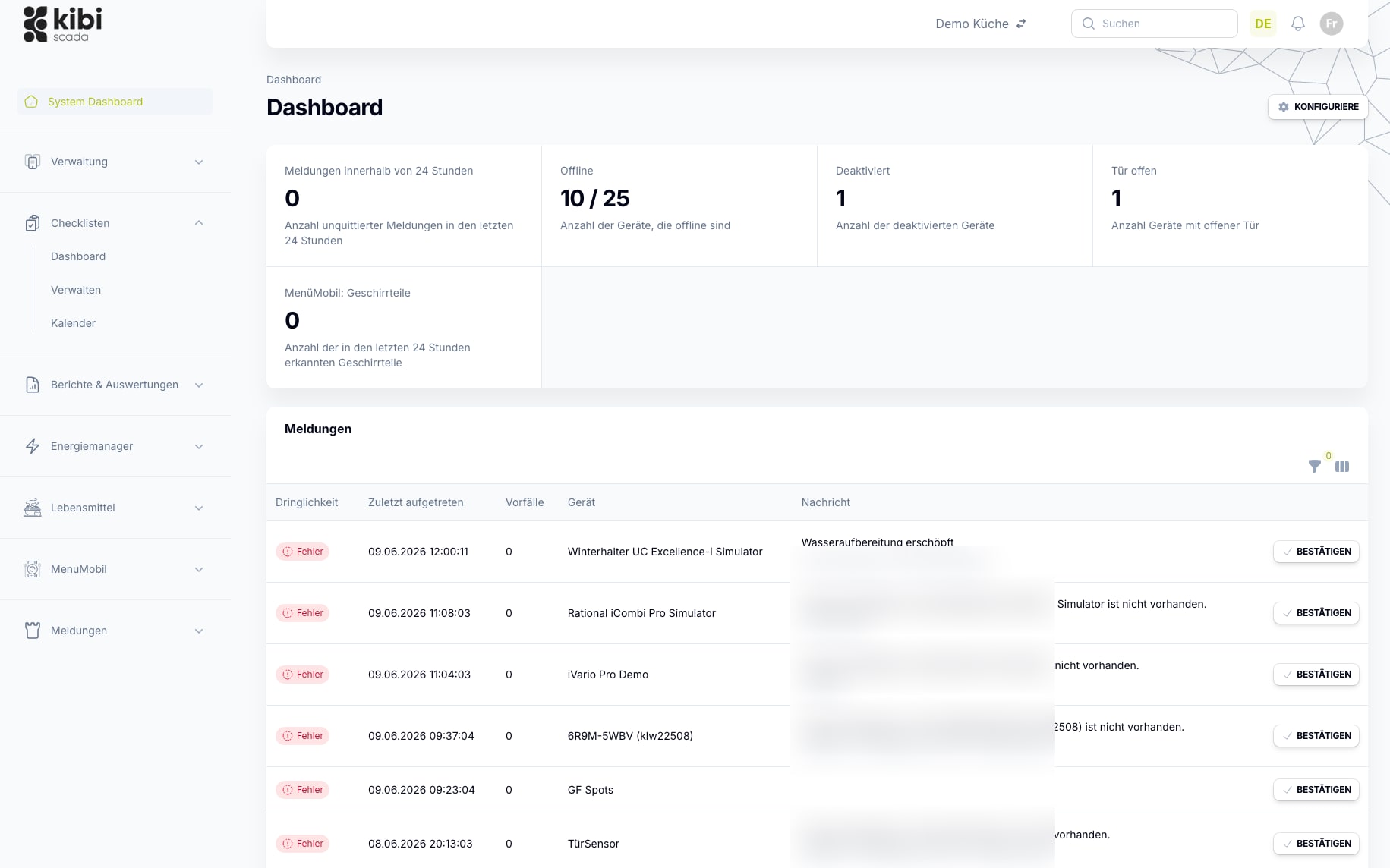
The structure grows with you: Multiple locations come together in one interface, service partners manage their customers via separate tenants. Drill-down takes you from the big picture right down to individual devices.
- Any number of locations and areas in one platform
- Separate areas per customer – data strictly separated
- Role-based access for operations, engineering, and partners
- Filters and reports follow the location structure
Einsatzfelder
Where a clear structure makes all the difference
The more locations, devices, and responsibilities come together, the more crucial it becomes to have a platform that keeps all master data consistently in one place.

Hospitals
Distributed kitchen, technical, and hygiene teams need a platform that neatly consolidates alert pathways, documentation, and location data.

Large-scale kitchens
High documentation requirements, numerous devices, and tight operational windows make seamless transparency on the platform especially valuable.
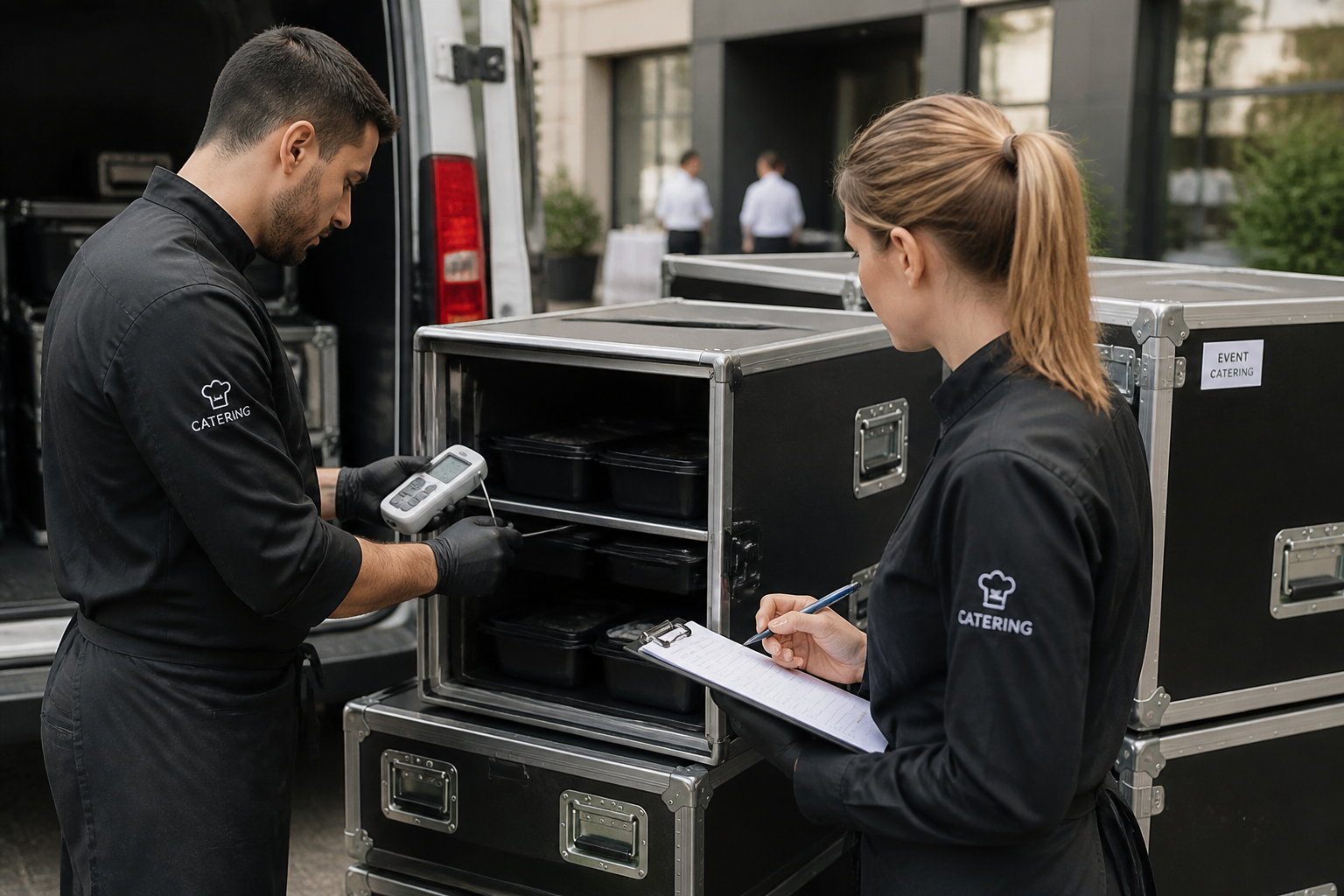
Catering
Mobile processes, multiple output points, and shifting teams benefit from a central system for monitoring, alerts, and reporting.

Service Partners
Tenants, technical responsibilities, and documented measures can be consistently managed on a single platform.
FAQ
Frequently Asked Questions About Device and Location Management
How do I set up locations and areas?
Locations are created in the admin area with just a few details and organized into sections—such as kitchen, storage, and serving. Each section can be assigned devices, QR codes, and responsibilities, ensuring dashboards and reports correctly allocate the data later.
How do devices get connected to the system?
Devices are created in the device management system and assigned to a location. Networked devices transmit their data via ready2go gateways or open interfaces such as OPC UA, Modbus, and MQTT. Master data like manufacturer, model, and device group make the inventory filterable and analyzable.
What are device groups and what do I need them for?
Device groups bundle similar devices together—such as all cold storage units or all meal distribution carts. Alarm rules, weekly schedules, and reports can then be managed per group instead of per individual device. This reduces maintenance effort and keeps rules consistent.
What are the QR codes at locations and devices used for?
Each location and device gets its own QR codes. Scanned on-site, they take you directly to the right data record—whether to check the live status or create a service request with full device context, without searching through lists first.
How are administration and alerting connected?
Contacts are stored with their roles and notification channels. Alarm rules and escalation chains draw on these exact responsibilities—so you centrally manage who gets notified in case of deviations, rather than setting it up for each alarm individually.
Can service partners manage multiple customers?
Yes. With the tenant model, service partners manage multiple customers in a single interface—with clearly separated data spaces and a dashboard covering all supported locations. Drill-down takes you from the overview into individual tenants.
Who can edit master data?
Access is controlled on a role-based basis. You determine who can create or modify locations, devices, or responsibilities through the role and permission system. All changes are documented for traceability.
Want to see your site structure in Kibi Scada?
We’ll show you live how to set up locations, devices, and responsibilities—and how dashboards, alerts, and reports align with this structure.

Persönlicher Ansprechpartner
Christofer Wesseling
Founder & Managing Director · Weslink GmbH
We show Kibi Scada live on your equipment, advise you personally on integration and onboarding, and support the rollout in your operation.
Last updated: