Feature · Alerting
Alerts that escalate before inventory or operations are at risk
Kibi Scada detects threshold violations in real time, escalates via email or app, and documents every response in an audit-proof record.
- Configurable thresholds, delays, and time windows per device
- Escalation chains via email, phone call, and push notification without media disruption
- Confirmation, action, and audit trail within the same alarm flow

Auf einen Blick
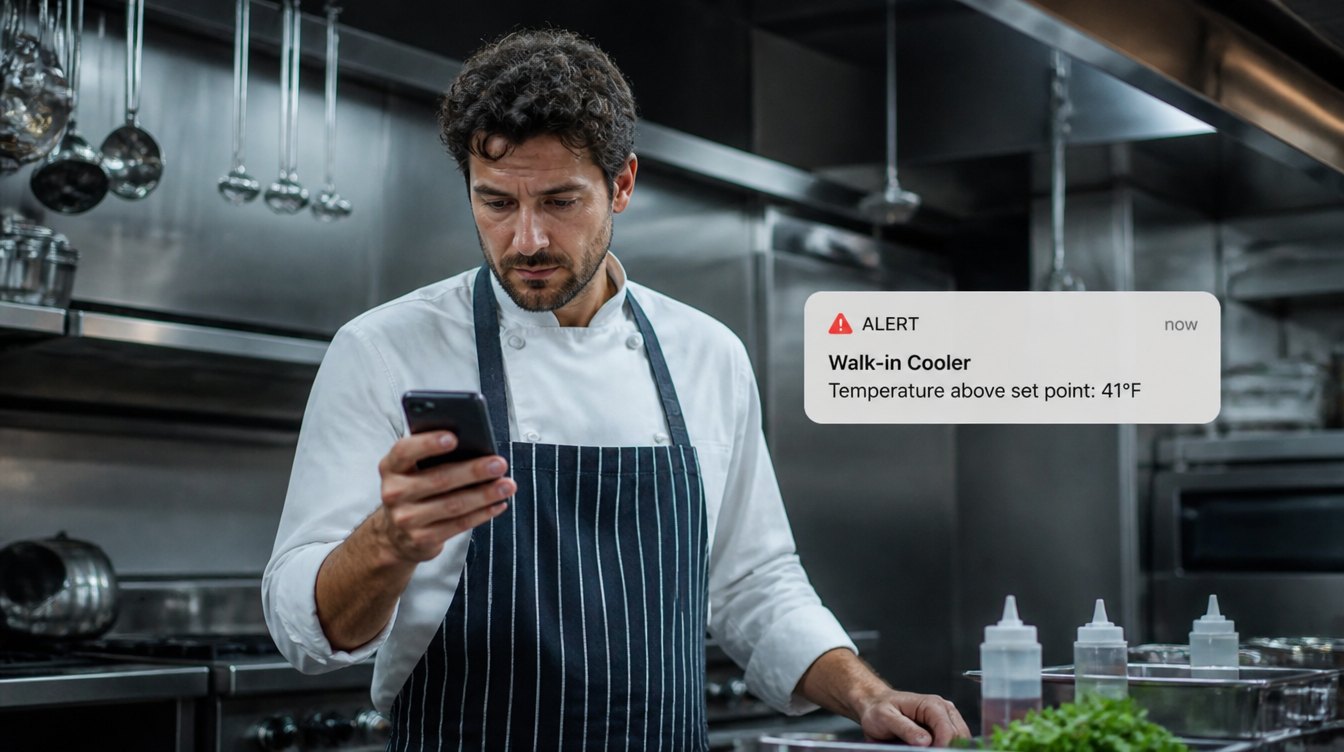
Alarm management as an operational response layer
Threshold breaches, escalations, acknowledgments, and documentation all flow in one line. This way, monitoring doesn’t just create visibility—it enables reliable action.
Typische Bausteine
Arbeitsweise
From Threshold to Documented Action
Three steps to turn a measurement into a real response process—without email chaos, phone chains, or gaps in the audit trail.
Define rules clearly
Thresholds, tolerances, delays, and time windows are set per device or device group. This ensures that only what is truly critical in the specific operational context is triggered.
Alert the right person
Every rule includes escalation logic with roles, channels, and time windows. If an alert goes unanswered, the notification automatically moves to the next level.
Record the response
Confirm the alarm, record the action taken, and document the result. The incident becomes a traceable data record that can be retrieved later for audits and root cause analysis.
Im Detail
What real-time alerting in kitchen operations truly needs to deliver
An alarm is only effective when it’s relevant, reaches the right people, and triggers a documented response. That’s exactly what Kibi Scada delivers—linking rules, escalation, and proof of action in one seamless process.
Alarm Rules
Rules that match real workplace behavior
Kibi Scada separates relevant anomalies from normal day-to-day operations. Door openings, defrost cycles, or brief load spikes are handled differently than an actual temperature deviation.
- Define upper and lower limit values per measurement point
- Delay times to filter out short-term outliers
- Consistent alert behavior for each manufacturer error code
- Schedules for night operations, cleaning, or special cases
Escalation Chains
Alerts don’t stop at the first message
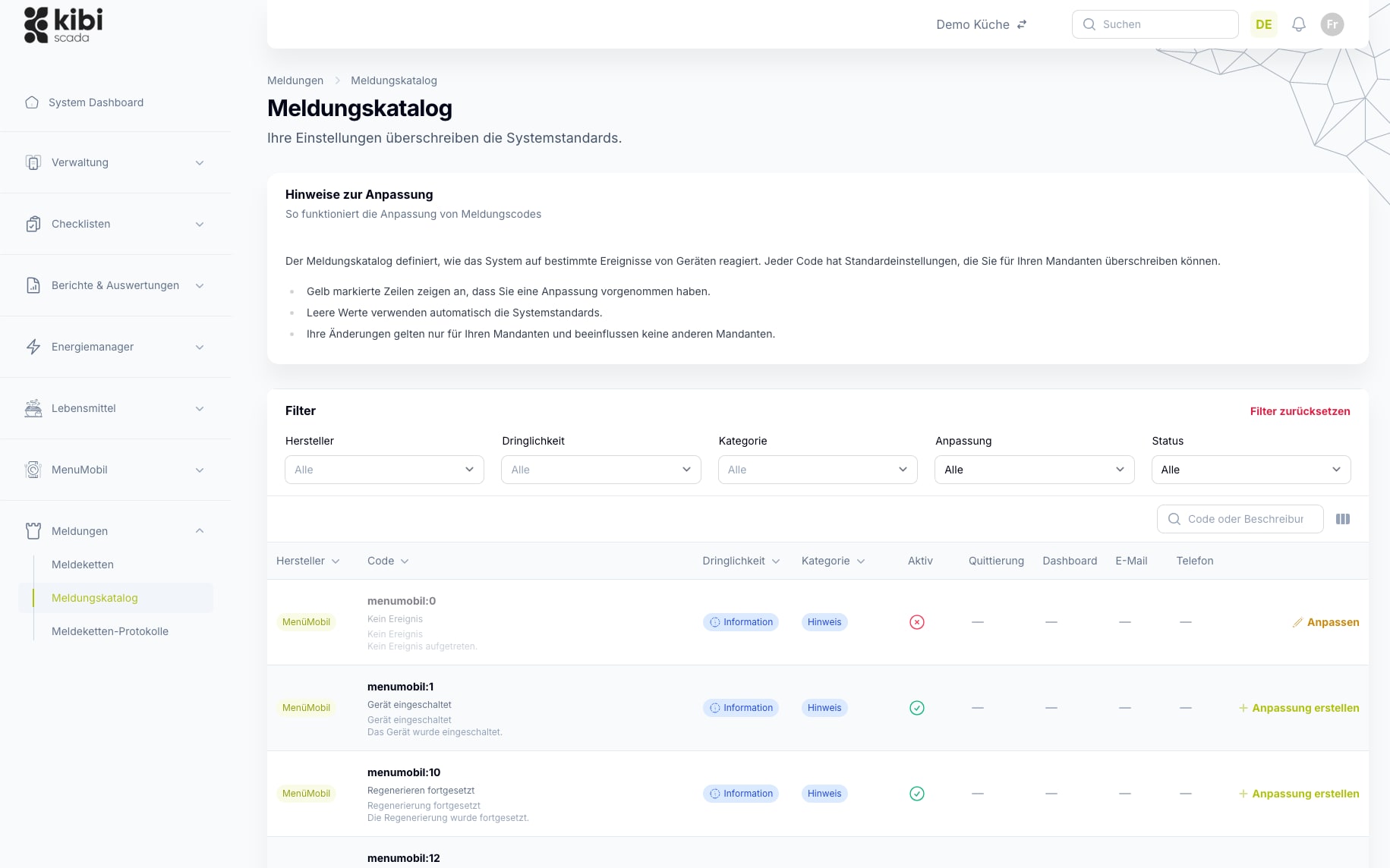
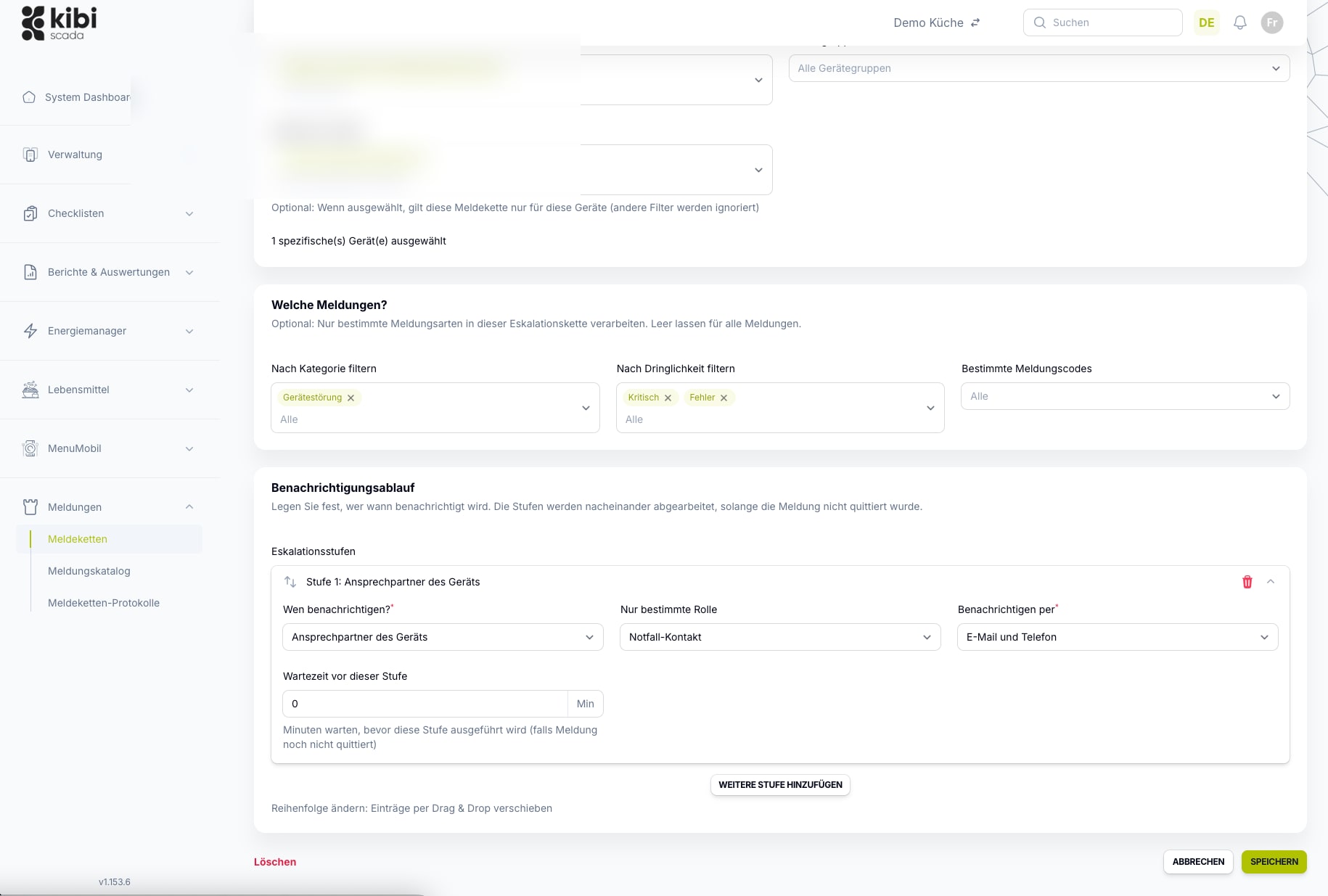
If the first responsible party doesn’t respond, the platform automatically escalates the issue. This turns a simple message into a reliable response process—no longer just a notification.
- Multiple escalation levels per alarm rule
- Custom channels per level: email, phone call, or push notification
- Time limits and on-call windows can be combined
- Weekend and shift logic integrated for duty schedules
Proof & History
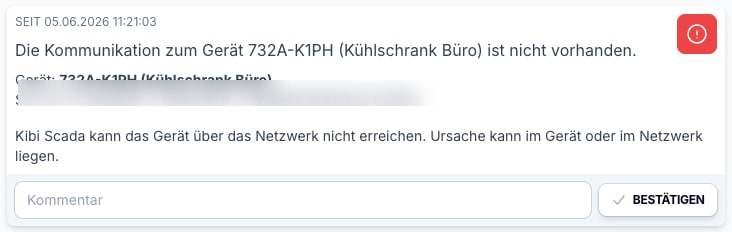
Every alarm becomes a documented action
What’s critical isn’t just that an alarm was triggered—it’s how you respond. Kibi Scada keeps both in one place and makes the response auditable.
- Confirmation directly in the dashboard or on mobile
- Action comment and timestamp in the alarm log
- Alarm history always exportable for HACCP audits
- Integration with reports and service processes possible
Einsatzfelder
Where clean alerting delivers the biggest impact
Wherever temperature deviations, shift schedules, and documentation requirements converge, the quality of alerts determines response time and compliance.

Hospitals
Distributed kitchen, technical, and hygiene teams need a platform that neatly consolidates alert pathways, documentation, and location data.
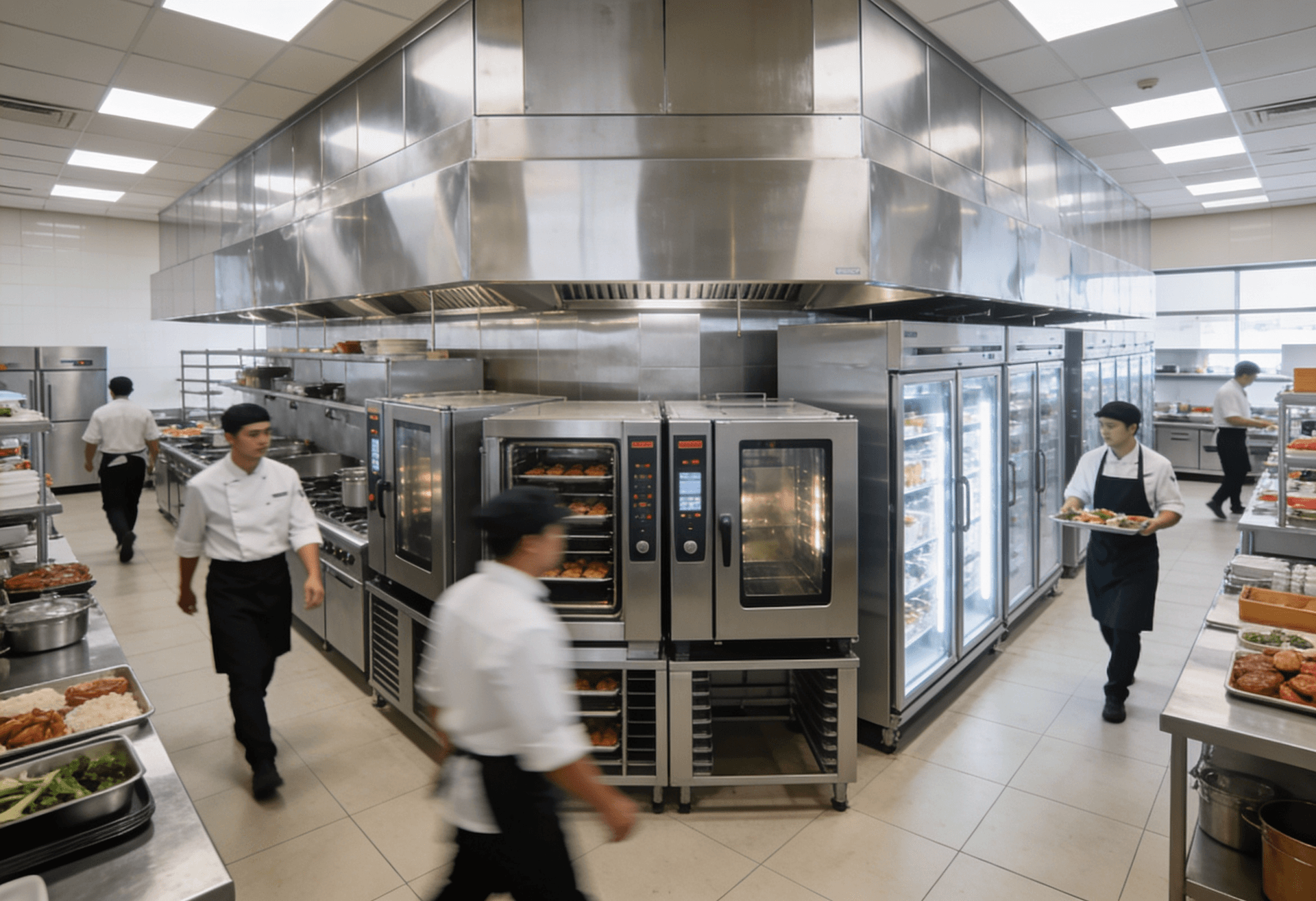
Large-scale kitchens
High documentation requirements, numerous devices, and tight operational windows make seamless transparency on the platform especially valuable.
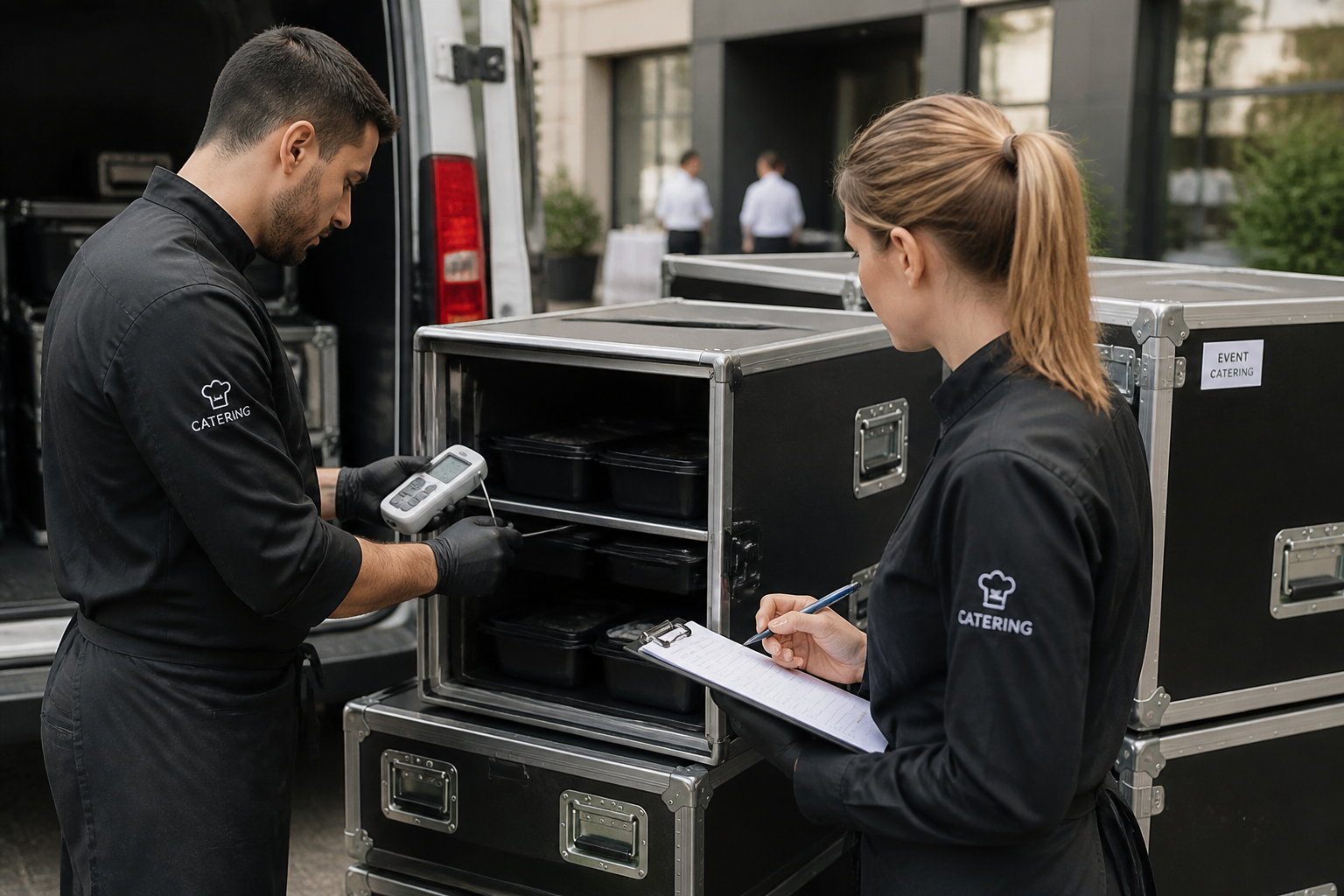
Catering
Mobile processes, multiple output points, and shifting teams benefit from a central system for monitoring, alerts, and reporting.
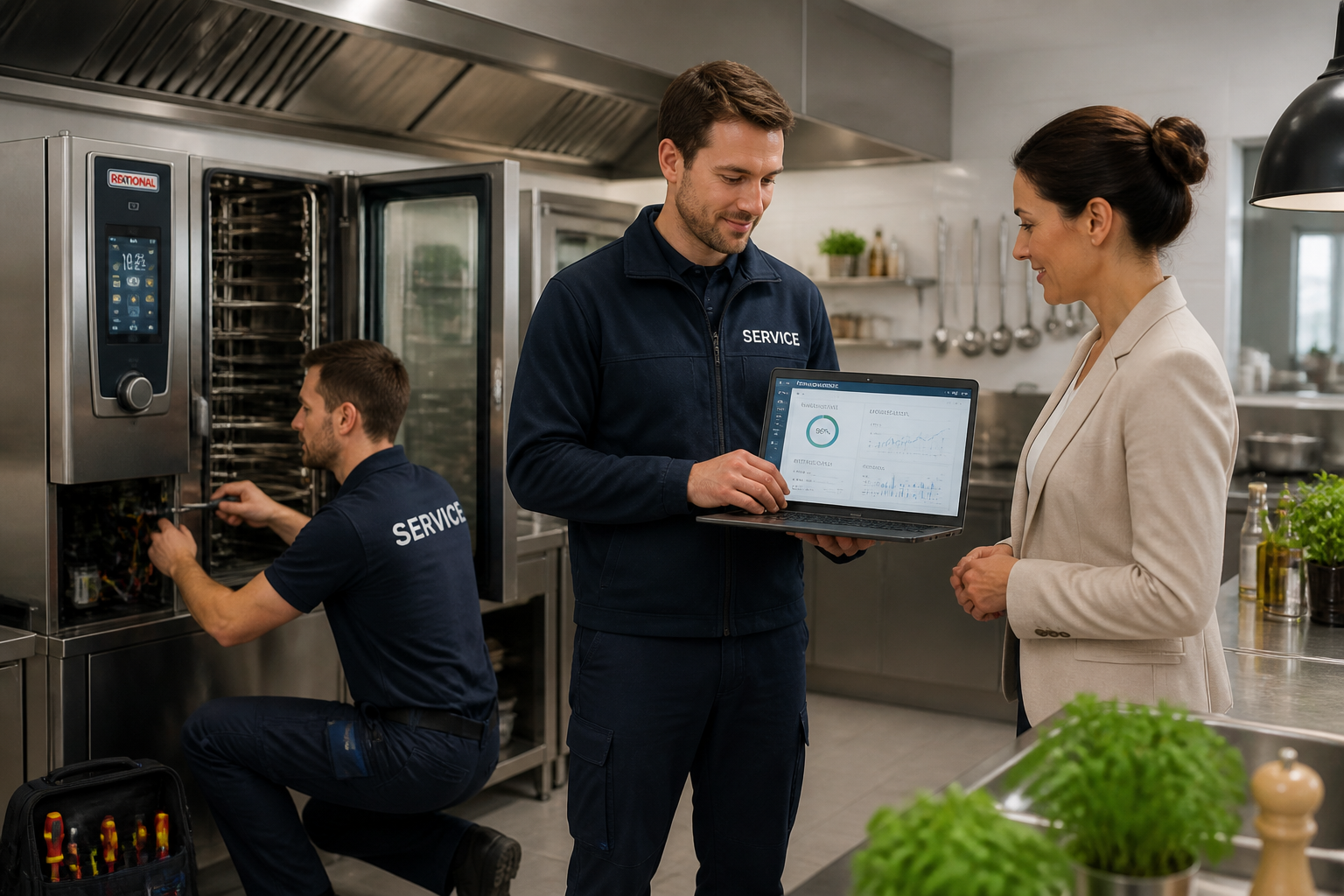
Service Partners
Tenants, technical responsibilities, and documented measures can be consistently managed on a single platform.
FAQ
Frequently Asked Questions About Alerting
Through which channels are alerts sent?
Kibi Scada supports multiple notification channels: email, phone call, and push notifications on your smartphone. For each alarm rule and escalation level, you can define which channels are used. This way, critical alarms can trigger a phone call, while warnings are sent via email.
Can I set different alarm rules for different devices?
Yes, every device and sensor can be assigned individual threshold values and alarm rules. A deep-freeze warehouse has different temperature limits than a cold storage cell or a food distribution cart. You can configure both upper and lower thresholds as well as delay times for each measuring point individually.
What is an escalation chain and how does it work?
An escalation chain defines who is notified in what order if an alarm is not acknowledged or resolved within a specific timeframe. For example: First, the responsible kitchen staff member is notified via push. If no one responds within 15 minutes, the kitchen manager receives a phone call. After another 30 minutes, the operations management is informed.
Can I limit alarms to specific times, such as nighttime only?
Yes, alarm rules can be linked to schedules. This allows you to specify, for example, that certain alarms are only triggered outside of operating hours—such as for equipment that is routinely opened during working hours and briefly exceeds the threshold.
How quickly will I receive an alert notification?
Alerts are triggered within seconds of a threshold breach being detected. From sensor measurement to notification on your smartphone, the process typically takes less than 60 seconds—depending on the sensor’s measurement interval and network connection.
Are alerts logged even when no one responds?
Yes, every alarm is logged in full detail: time of activation, measured value, triggered threshold, notified employees, and time of acknowledgment. This alarm history is audit-proof and can be accessed at any time for HACCP audits or internal evaluations.
Can I avoid recurring false alarms?
Yes, Kibi Scada offers several mechanisms for this: delay times (the threshold must be exceeded for a defined duration before an alarm is triggered) and time window exceptions for known operating situations such as defrost cycles.
Can I acknowledge alarms directly in the dashboard?
Yes, active alarms can be acknowledged directly in the dashboard or via the mobile web app. When acknowledging, you can add a note detailing the action taken. This information is saved in the alarm log and forms part of the HACCP documentation.
Ready to see alerting with real escalation chains in action?
We’ll show you live how to set up rules, which channels Kibi Scada controls, and how an alarm becomes a clean audit trail.

Persönlicher Ansprechpartner
Christofer Wesseling
Founder & Managing Director · Weslink GmbH
We show Kibi Scada live on your equipment, advise you personally on integration and onboarding, and support the rollout in your operation.
Last updated: